A password change or Instagram security checkpoint can invalidate the access token AP3K uses. Your saved automation settings remain, but delivery may need the account reconnected.
Reconnect the affected account
- Sign in to AP3K and select the affected Instagram account.
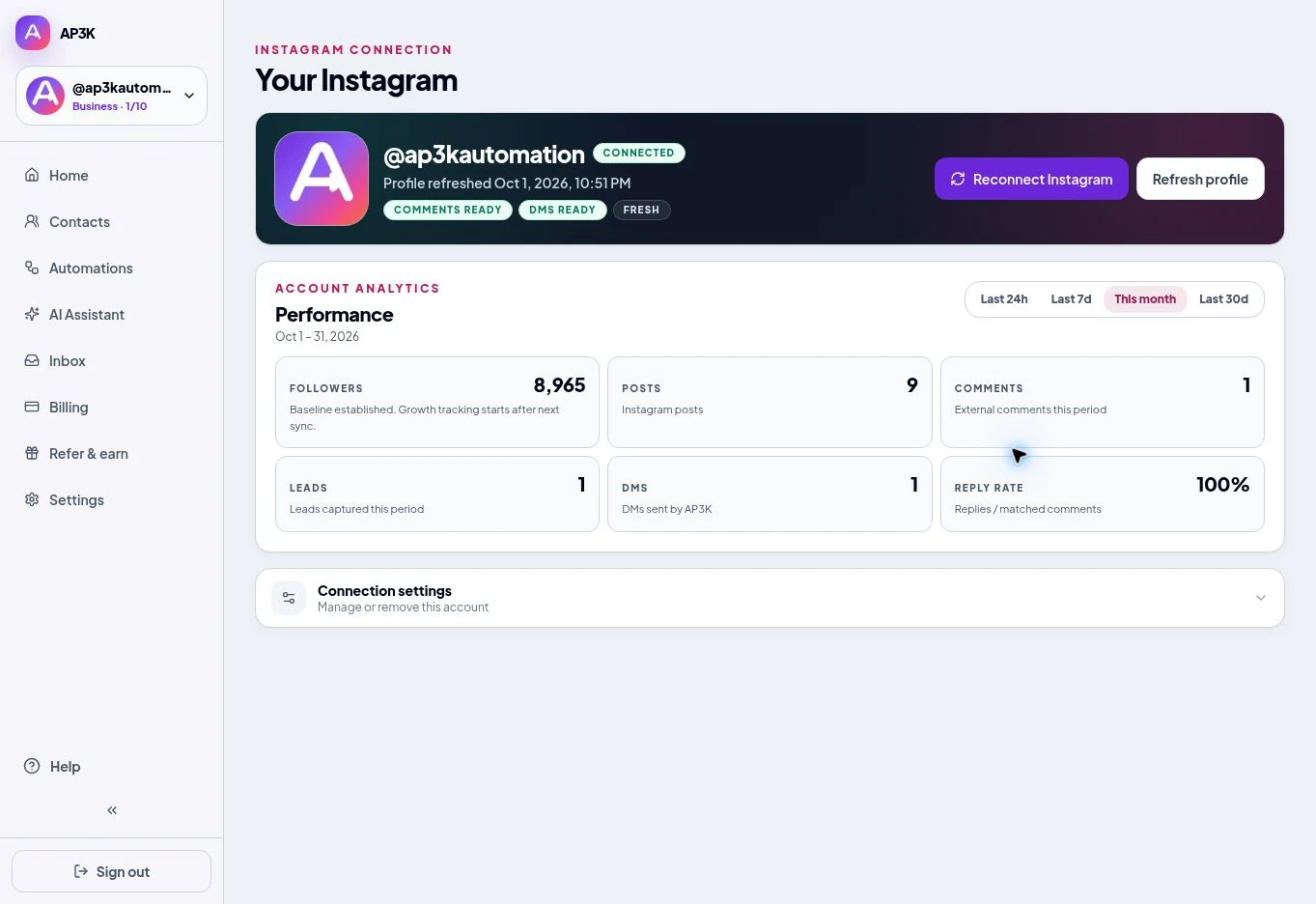
- Open its Instagram connection details and choose Reconnect.
- Approve the requested access on Instagram.
- Confirm the same @username and review comment and DM readiness after returning.
Check message access
If comments work but DMs do not, check Instagram’s Allow access to messages setting. Fix disabled DM access.
Review delayed messages
Check the relevant automation’s activity and delay or follow-up settings. Do not assume messages that failed or became ineligible during the outage will all be replayed. Contact support if a pending delivery needs investigation.
Run a new test
Use a second account to send a new eligible trigger. Confirm the public reply and DM. If you manage several Instagram accounts, reconnect the account whose access changed and check the others separately.