A flow is a set of nodes on a canvas, joined by lines. One node sends a message, another waits, another checks a condition, and the lines decide what runs after what.
Open the Flow builder
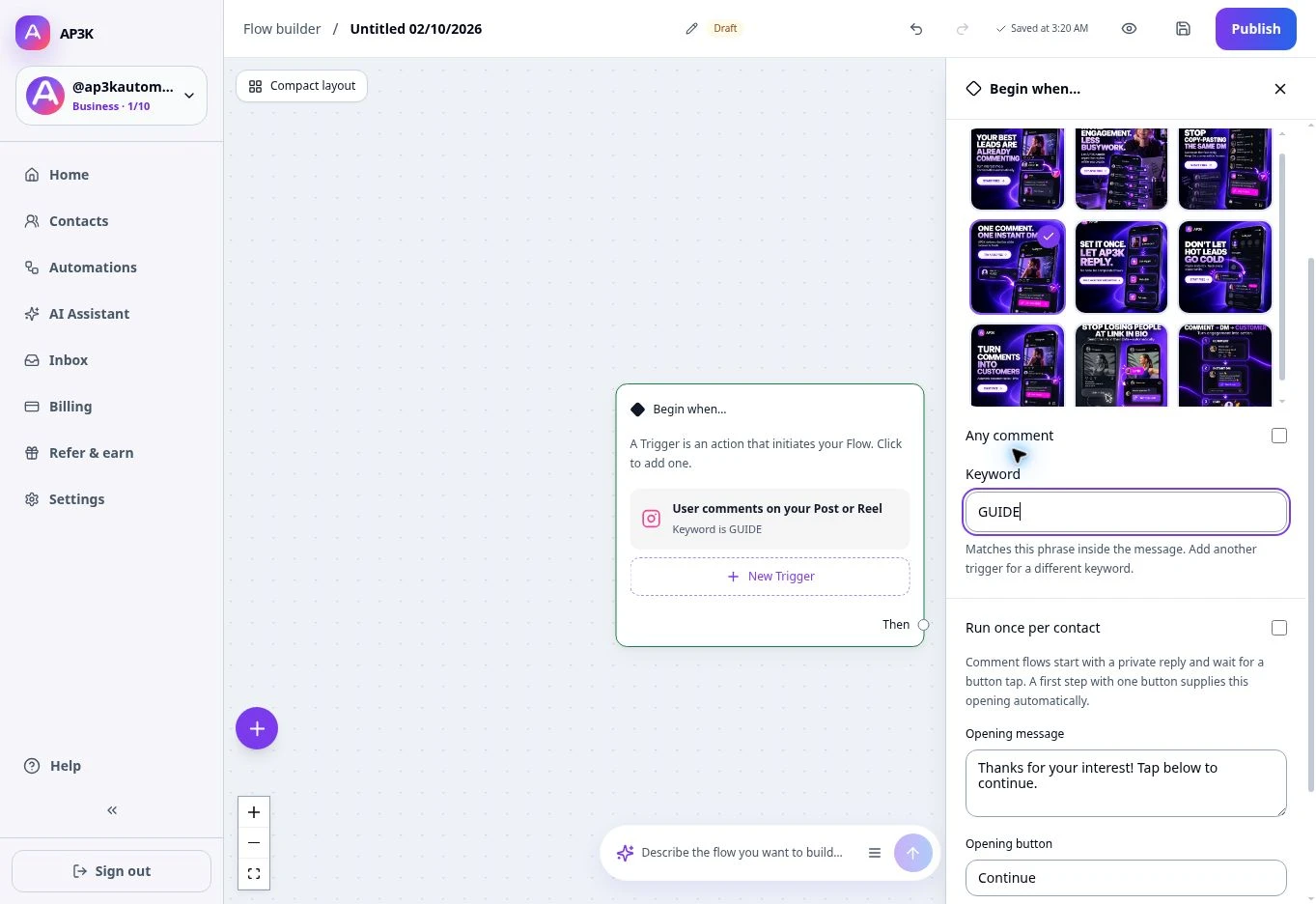
Choose Create automation → Flow builder. Start with the Begin when… block and add a trigger, then connect it to your first step. Free accounts can save and preview a draft; publishing custom flows requires Pro or Business.
Adding a node
Click + on the canvas, choose a node type, configure it in the editor and connect its output to the next step. Message options include text, buttons, product cards, carousels and collecting information.
The node types
- Trigger: starts the flow from an Instagram interaction.
- Send message: sends text or a linked message.
- Collect email, phone or information: waits for an answer.
- Action: adds or removes a tag, sets a field or sends an external request.
- Conditions: checks a value and branches.
- Delay: waits before continuing.
- Randomizer: splits traffic between two paths.
- Finish: ends the flow.
Connecting nodes
Drag an output handle to the next node. You can also choose the destination in the node editor. Conditions have Yes and No branches, randomizers have two percentage branches, and questions have one branch per choice. Collection steps have a response path and a skip path.
Leave an output set to Finish here to end that path. Check every branch before publishing. Unreachable steps and automatic loops without a customer response are rejected.
Review the canvas
Use zoom and fit controls to see the whole flow. After deleting a node, check its neighbouring connections. Preview every route, then test a published flow from a second Instagram account. Comment flows require an opening message and button so the contact can start the messaging window.