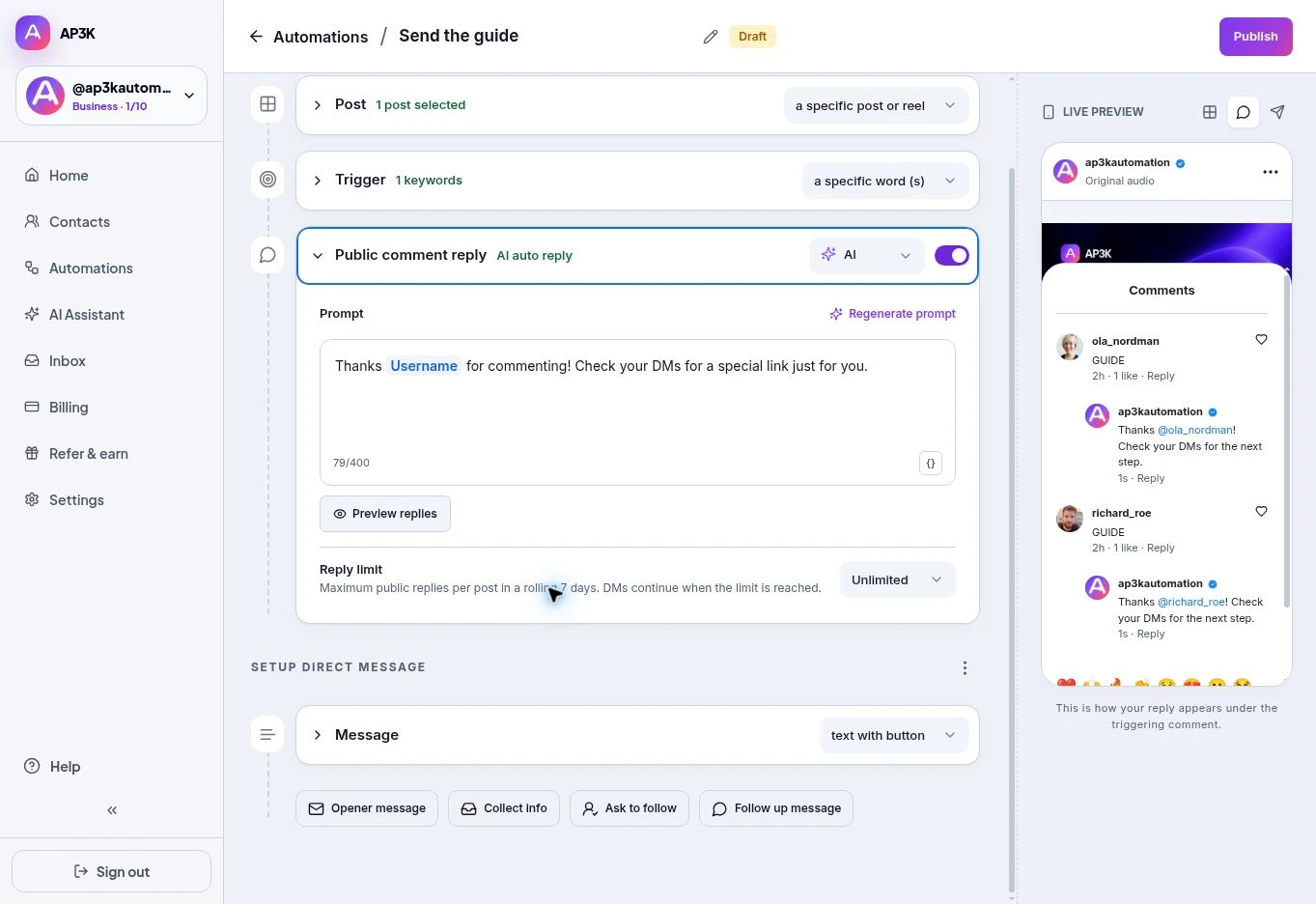
Use a public reply limit to control how many automated comments AP3K leaves under a post. The limit applies per post over a rolling seven-day period.
Set the limit
- Open the post automation in Automations.
- Expand Public comment reply.
- Find Reply limit and choose the available limit: no configured limit, 100 per post, or 200 per post.
- Review and publish your changes.
What happens at the limit
AP3K stops additional public replies when that post reaches the configured limit. DMs can continue when the trigger and delivery requirements are met. A public reply limit does not increase your monthly plan allowance or override an Instagram restriction.
Choose replies that fit the conversation
Write useful variations and keep the actual resource link in the DM. If you use AI public replies, a paid plan is required to publish. Write your own public replies.