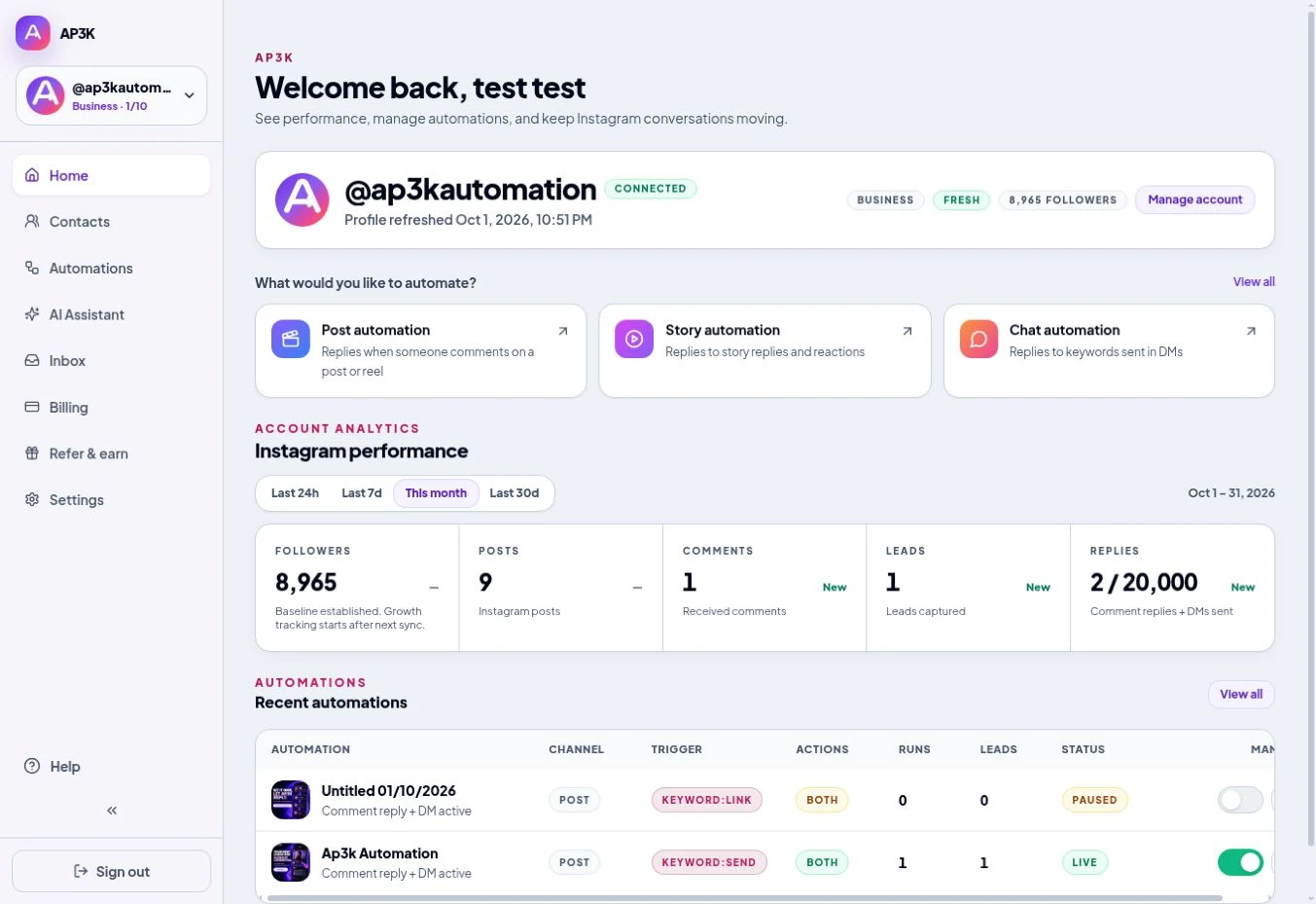
AP3K turns Instagram comments, story interactions, and incoming DMs into automated conversations. Create a trigger, write the response, and deliver the right next step while keeping the account’s activity in one workspace.
What you can automate
- Send a DM after an eligible comment matches a keyword or Any Comment trigger.
- Write public comment replies or use AI to draft variations.
- Respond to story interactions and incoming DM triggers.
- Add an opener, a resource link, or a request to follow.
- Collect email addresses and phone numbers in the conversation.
- Build branches, delays, tags, fields, and external requests in the flow builder.
Who it is for
Creators, shops, coaches, and service businesses can use AP3K to answer repeated questions and deliver resources after a person interacts on Instagram. You choose the message and link rather than sending unsolicited messages to an arbitrary list.
Example campaigns
- A creator asks viewers to comment GUIDE and sends a downloadable resource.
- A shop sends product details after a matching post comment.
- A coach collects an email before delivering an opted-in resource. These are campaign examples, not customer case studies.
Set up your first automation
- Create an AP3K account and connect an Instagram Business or Creator account.
- Choose a Post, Story, Chat, or Flow automation.
- Configure the trigger and response, then review and publish.
- Test the complete path from another Instagram account.
Know the boundaries
AP3K uses Instagram’s official API and must respect its permissions and messaging eligibility. It does not backtrack older comments or automatically message every new follower. Facebook Messenger and native external MCP account connectors are not supported.
Start here
Connect your Instagram account, then create an instagram comment-to-dm automation. Review plans and pricing for the allowance that fits your campaign.