After removing the previous tool’s connection, connect the Instagram account to your existing AP3K workspace or finish onboarding.
Before you begin
- Keep a copy of the campaign logic you want to rebuild.
- Review the old tool’s active automations and remove its Instagram messaging access.
- Use an Instagram Business or Creator account.
If you are new to AP3K
Create your AP3K account, continue to onboarding, and connect Instagram when prompted. Approve the requested comment and messaging access. Successful connection returns you to the dashboard.
If you already use AP3K
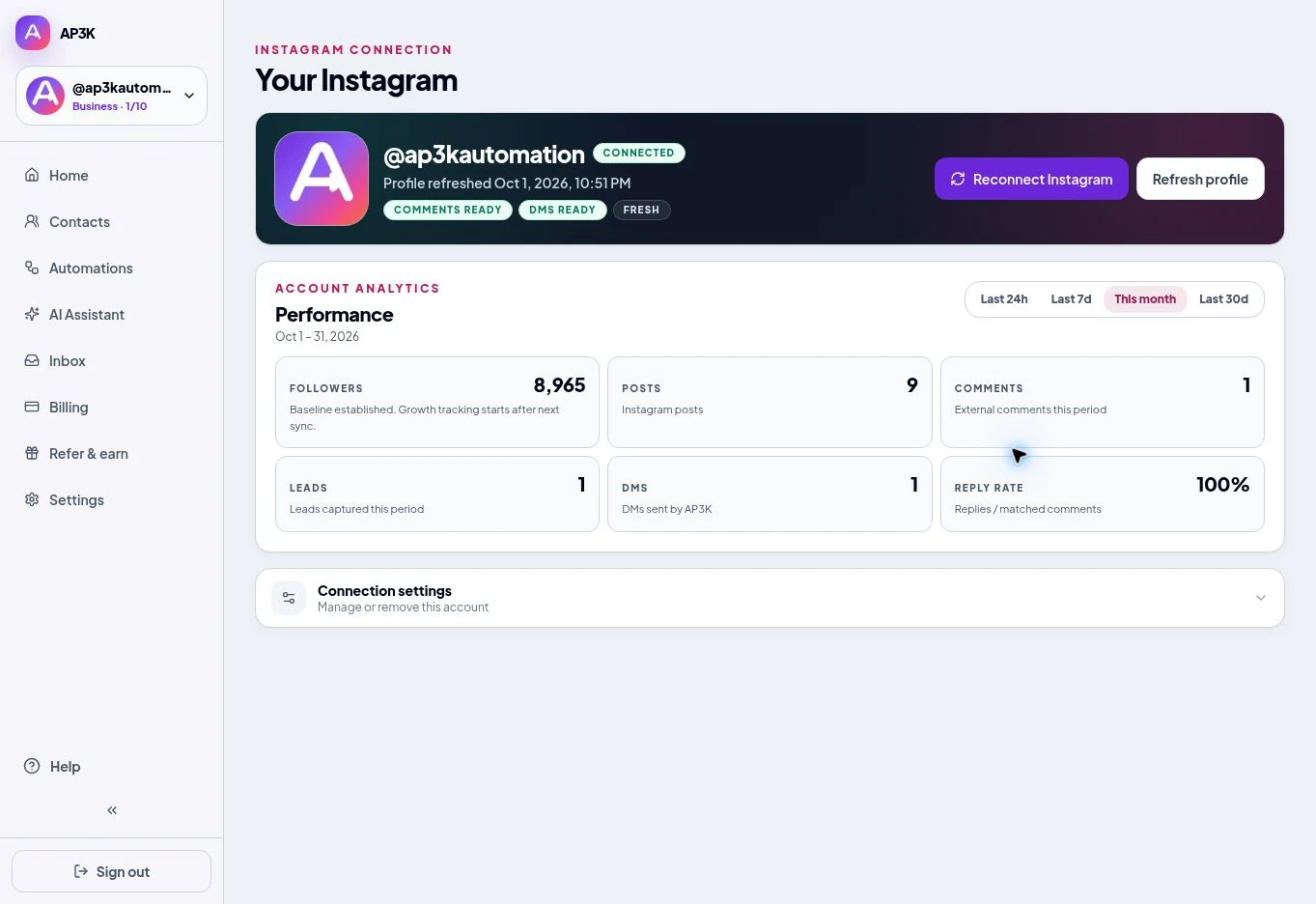
Sign in to your existing workspace and choose Add Instagram account. If that same Instagram account is already connected, use Reconnect from its connection details instead. Connect your Instagram account.
Confirm the selected account
Check the @username and comment/DM readiness. Do not rebuild into the wrong selected Instagram account. Verify the migration.