Every flow has to start somewhere, and that’s what a Trigger is. It’s the event that wakes your automation up and gets it moving.
No trigger, no flow. It’s step one, always.
Setting one up
- Click + New Trigger in the Begin when… block
- Pick the event that should kick things off
- Set any conditions the trigger needs
- Connect it to your first step
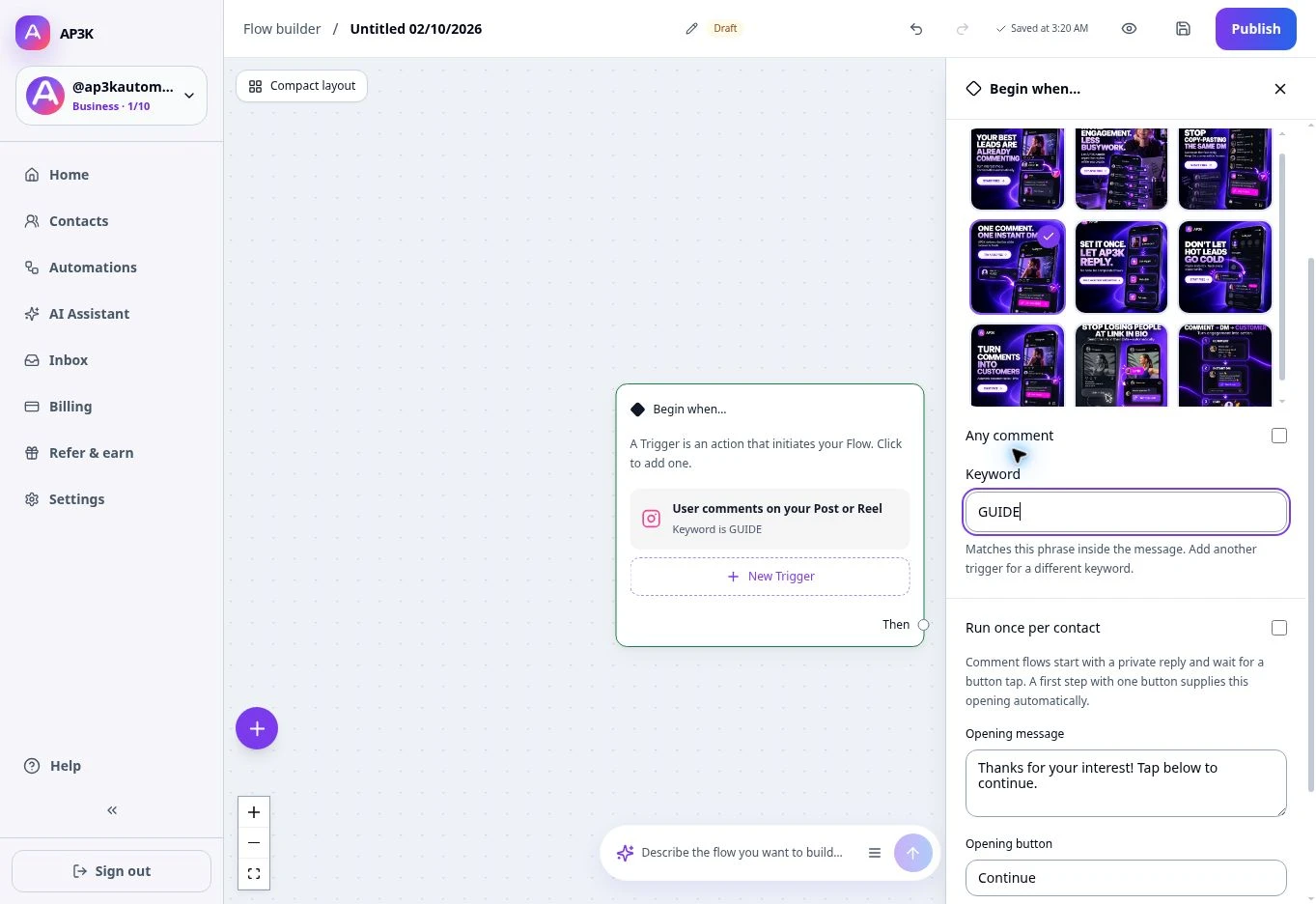
Available triggers
| Trigger | Fires when… |
|---|---|
| User comments on your Post or Reel | Someone comments on a post or reel |
| User replies to your Story | Someone replies to your story |
| User sends a message | Someone DMs you |
| User mentions you in a Story | You get story-mentioned |
| User shares a post or reel | Someone shares your content via DM |
Narrowing a trigger
A trigger doesn’t have to fire on everything. Once you’ve picked the event, set
the condition that goes with it — a User sends a message trigger can listen
for any message, or only ones containing a keyword like hello, exactly like
the keyword triggers
in a basic automation.
The node shows what it settled on: the event on top, the condition underneath.
Where to go next
With the trigger in place, drag its Then handle to the first real step — usually a Send message node.