Scheduling a post, delaying a reply and preparing an automation are different tasks. AP3K’s automation editor can configure supported message timing and follow-ups; it should not be described as a tool that publishes Instagram posts for you. This guide explains how to plan a campaign without promising unsupported scheduling behavior.
Prepare a draft before promoting the campaign
Decide on the offer, keyword and real destination first. Create the appropriate Comment, Story, DM or Flow automation and review its entry point. Saving a draft preserves your work without making it a live campaign.
When using a specific post, confirm that the selected media is the content your audience will interact with. Do not assume a prepared draft automatically attaches to a future upload. Review the actual post-selection options in your editor and verify the chosen scope before publishing.
Apply a delay to the intended step
A delay controls when an eligible action proceeds after its trigger or preceding step. It is not a guarantee of an exact delivery time: the queue, account readiness, usage and Instagram rules still matter. Check each relevant timing control instead of assuming the public-reply delay also controls the final DM.
Use a short supported delay during a controlled test. Record the trigger time, the expected step and the observed result. If a later message never appears, inspect whether an opener, collection request or follow gate is waiting for input before blaming the timer.
Follow-ups need eligibility, not just a timer
A comment alone does not authorize an unrestricted sequence of messages. A follow-up requires an eligible inbound DM interaction and an open permitted messaging window. In a post flow, the opener can provide a continuation interaction; the person must actually complete it.
Conditions such as seen, clicked or followed depend on the signals available to AP3K. A newer reply, paused automation or closed messaging window can stop a scheduled follow-up. Begin with a simple supported condition, verify delivery, then test the condition your campaign needs.
Separate old comments from future delivery
Publishing does not replay the post’s comment history. Backtrack comments is a separate deliberate operation for eligible comments from the previous seven days. It uses the saved rule, normal action allowance and delivery protections.
Before a launch, test the live journey from another Instagram account. After the launch, use activity records to distinguish queued, waiting, skipped and failed actions. Do not repeatedly restart backtracking or duplicate a campaign to force delivery; that can make the customer journey confusing.
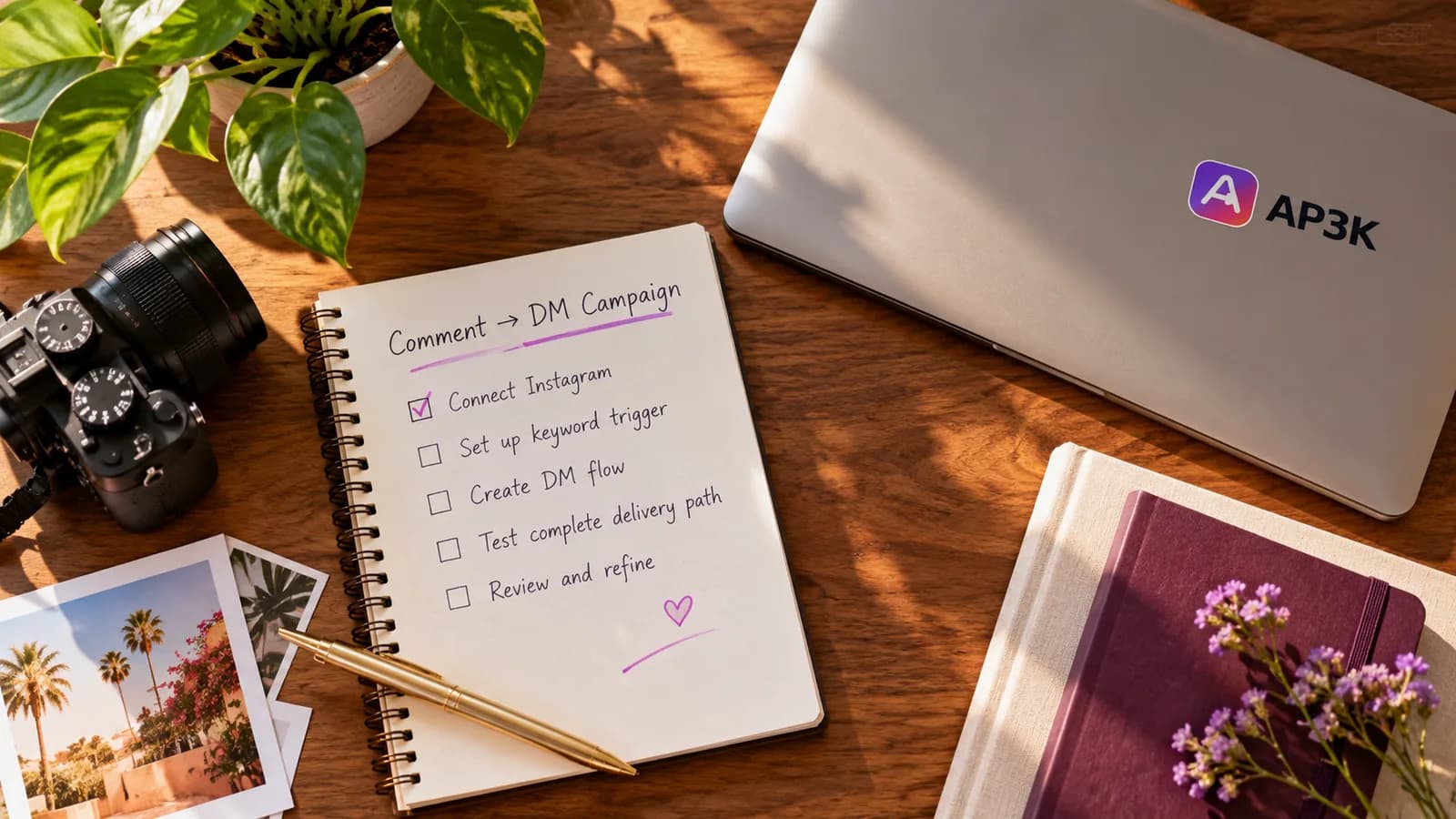
Campaign timing checklist
Keep a short launch record: selected account and media, trigger text, live state, each intentional delay, follow-up condition and the final destination. Ask a second person to run the recipient path when possible. The key question is whether each step delivers useful information at the right point, not whether every available timer is enabled.
- Confirm the selected post exists and the automation is Live before promoting its keyword.
- Test the exact delay or condition used by the campaign.
- Check the complete recipient interaction, not only the first message.
- Use a separate publishing tool if you need to schedule Instagram content itself.
Turn the next comment into a conversation.
Choose a clear trigger, write a useful response and try your first AP3K campaign.
SHARE THIS ARTICLE