Start with AP3K’s Free plan: one Instagram account, up to five active automations, and 500 automated actions per month. Upgrade when you need more capacity or paid features.
Use an Instagram Business or Creator account. Sign up to AP3K, choose Add Instagram account, and complete the official Instagram authorization flow. Return to the dashboard and check comment and DM permissions before publishing.
Here's how to switch your Instagram account to Creator Account.
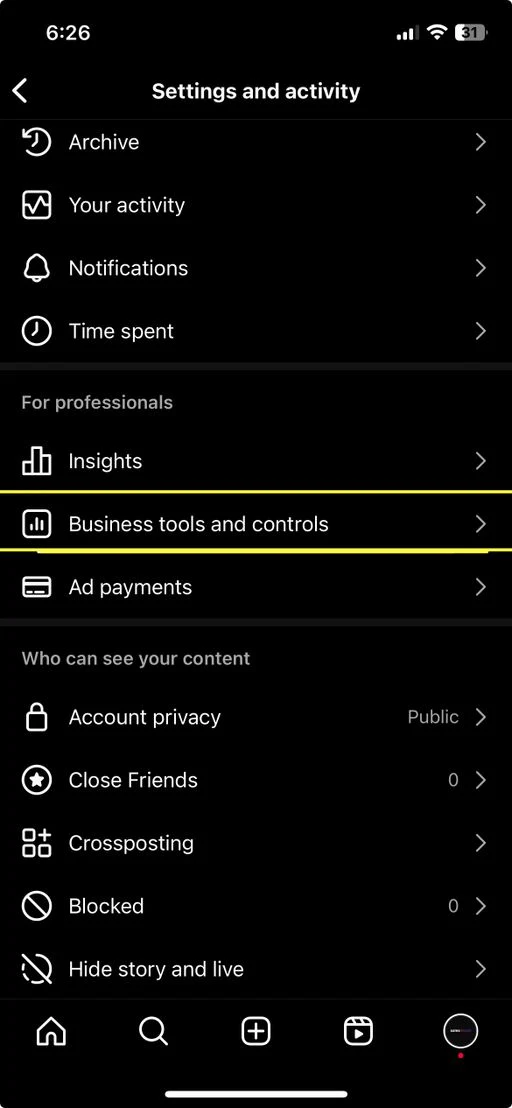
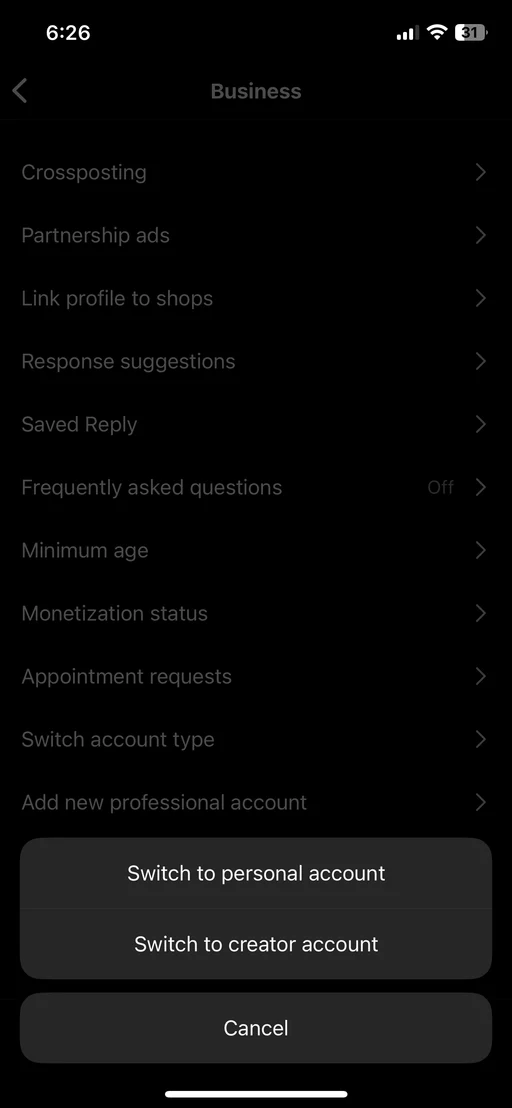
After switching to a Business or Creator account, return to AP3K to connect Instagram.
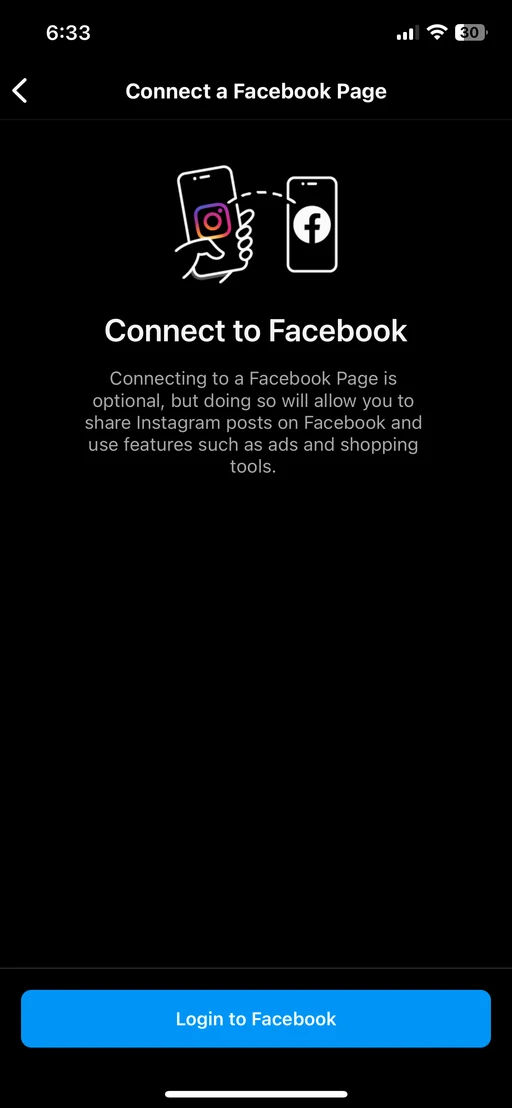
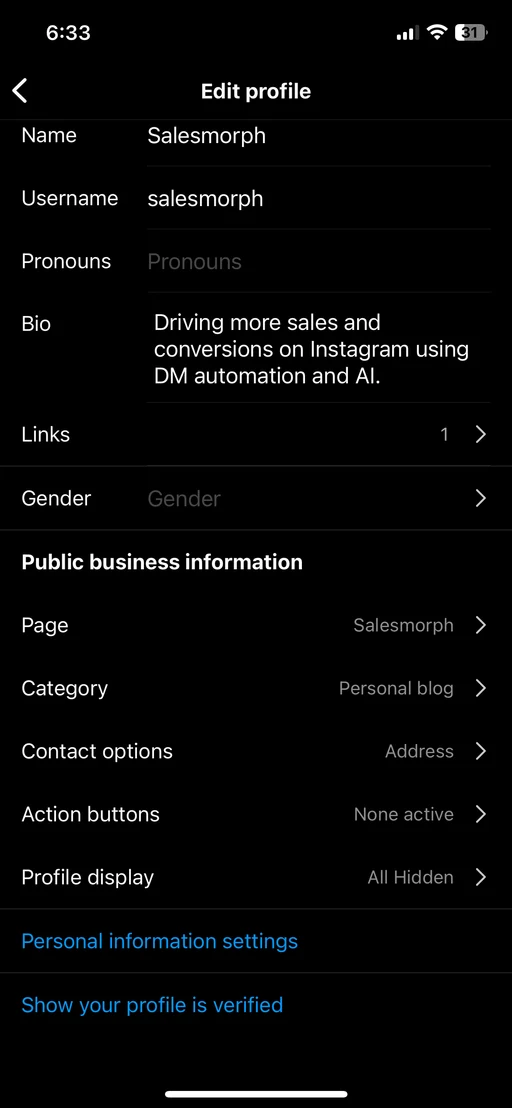
Use an Instagram Business or Creator account. Sign up to AP3K, choose Add Instagram account, and complete the official Instagram authorization flow. Return to the dashboard and check comment and DM permissions before publishing.
Select 'Get Started' to begin signup process
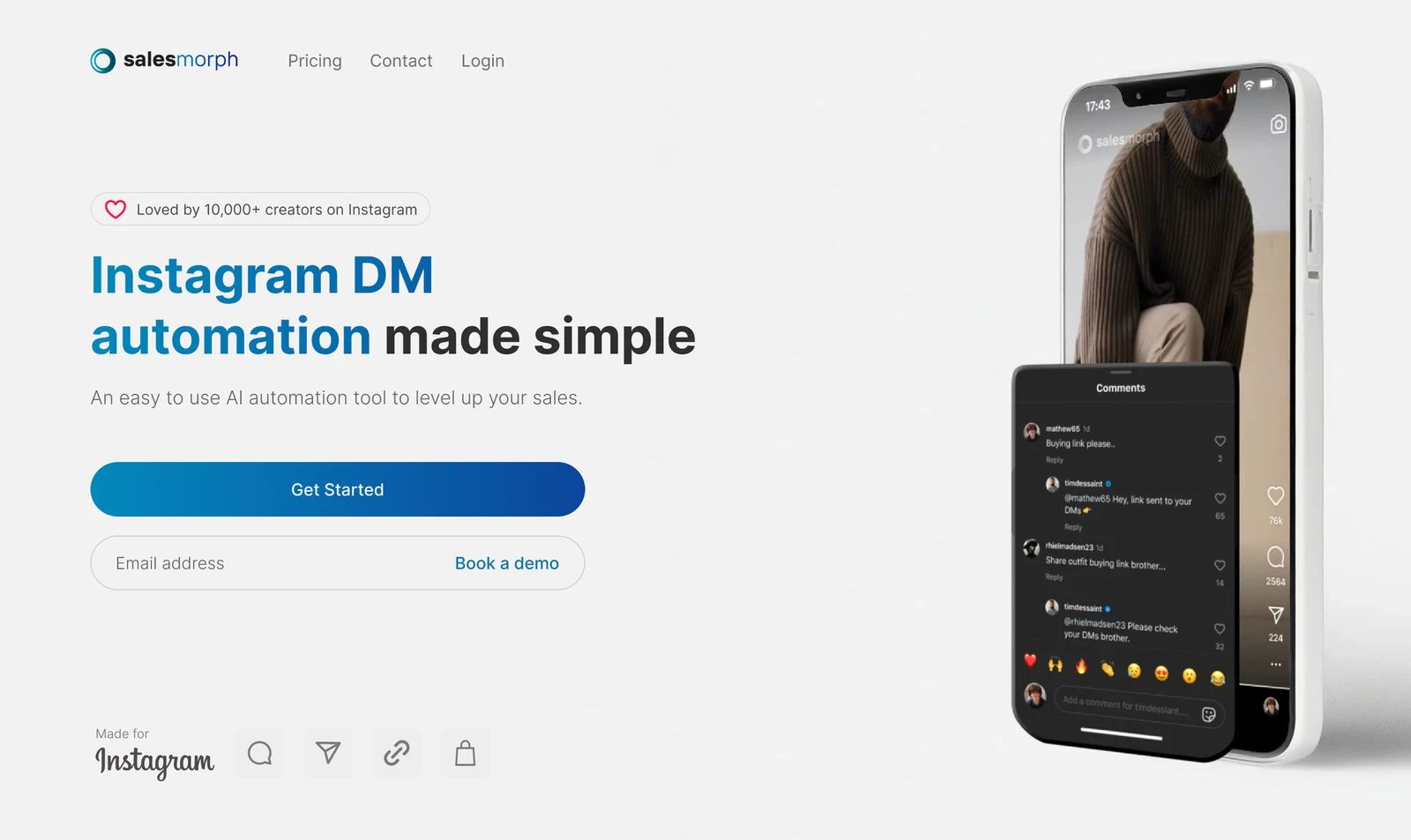
Continue with your Google Account
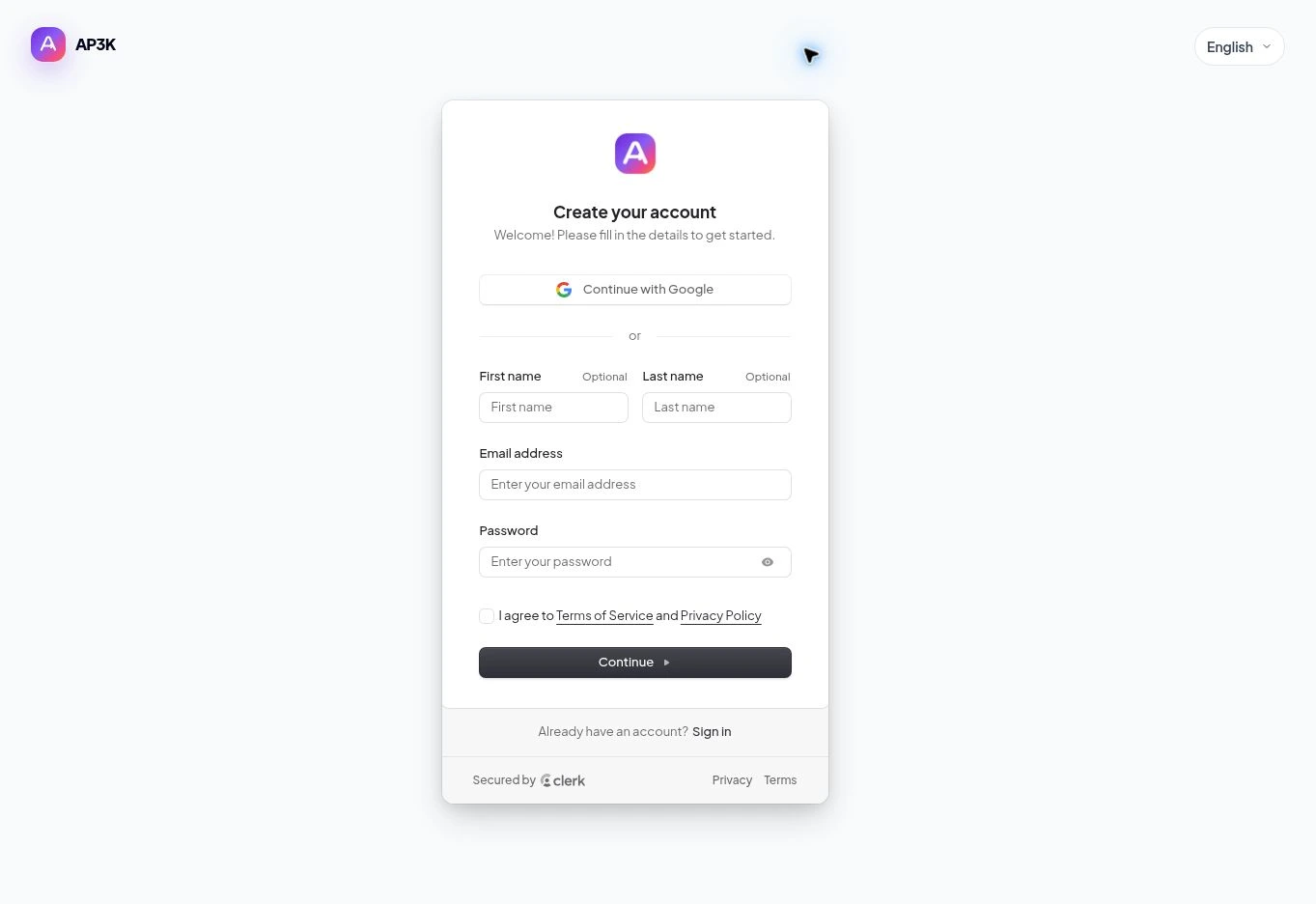
After creating your AP3K account, choose Add Instagram account and complete the Instagram authorization flow.
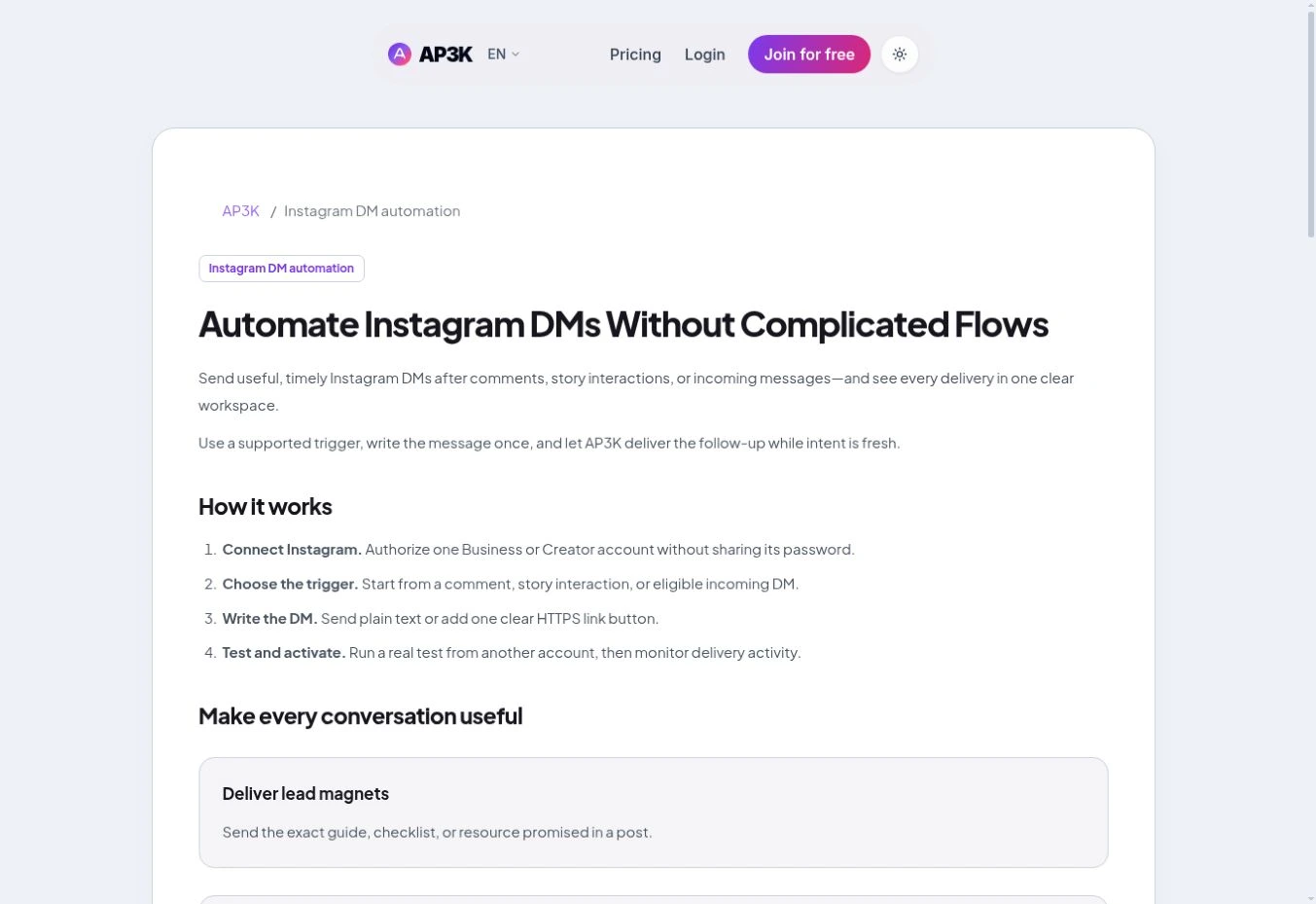
Authorize the Instagram account you want to automate and grant the requested permissions. AP3K then returns you to your dashboard.
You can now create automation by clicking 'create' button.
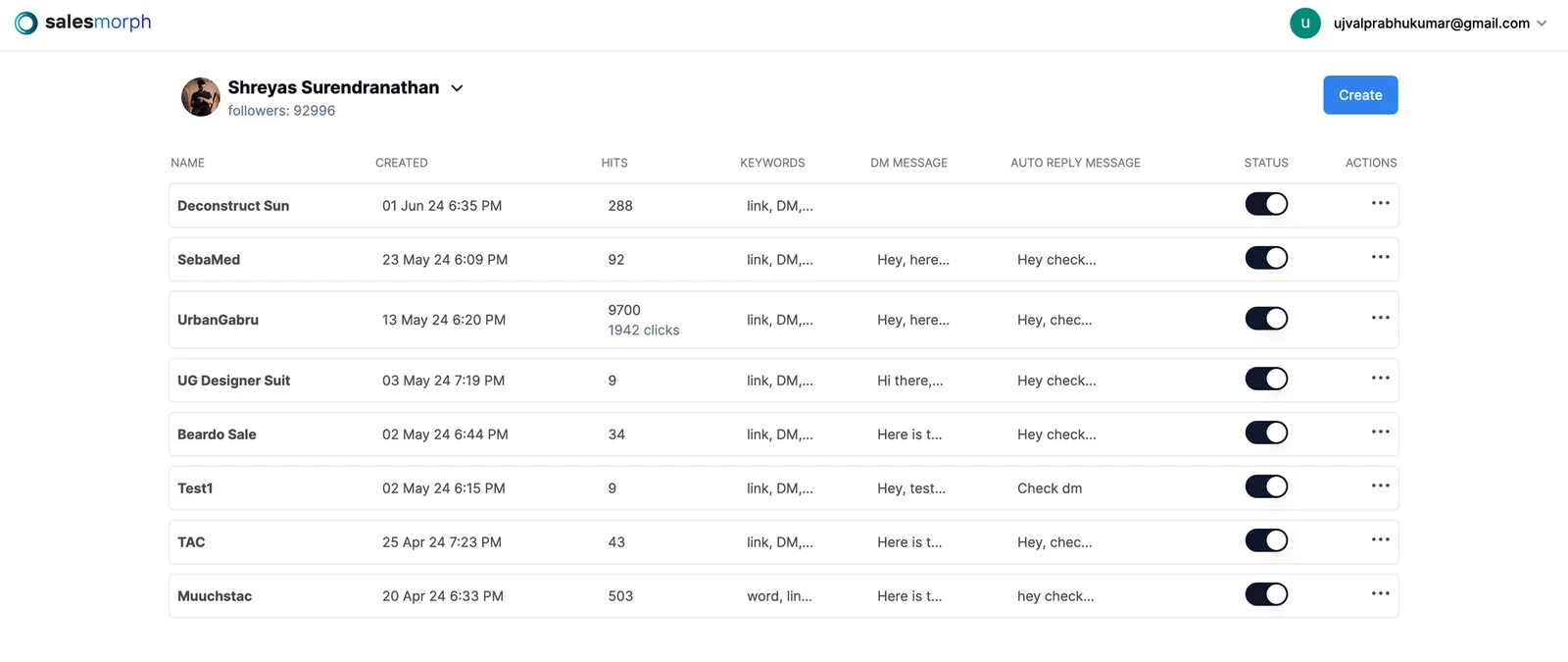
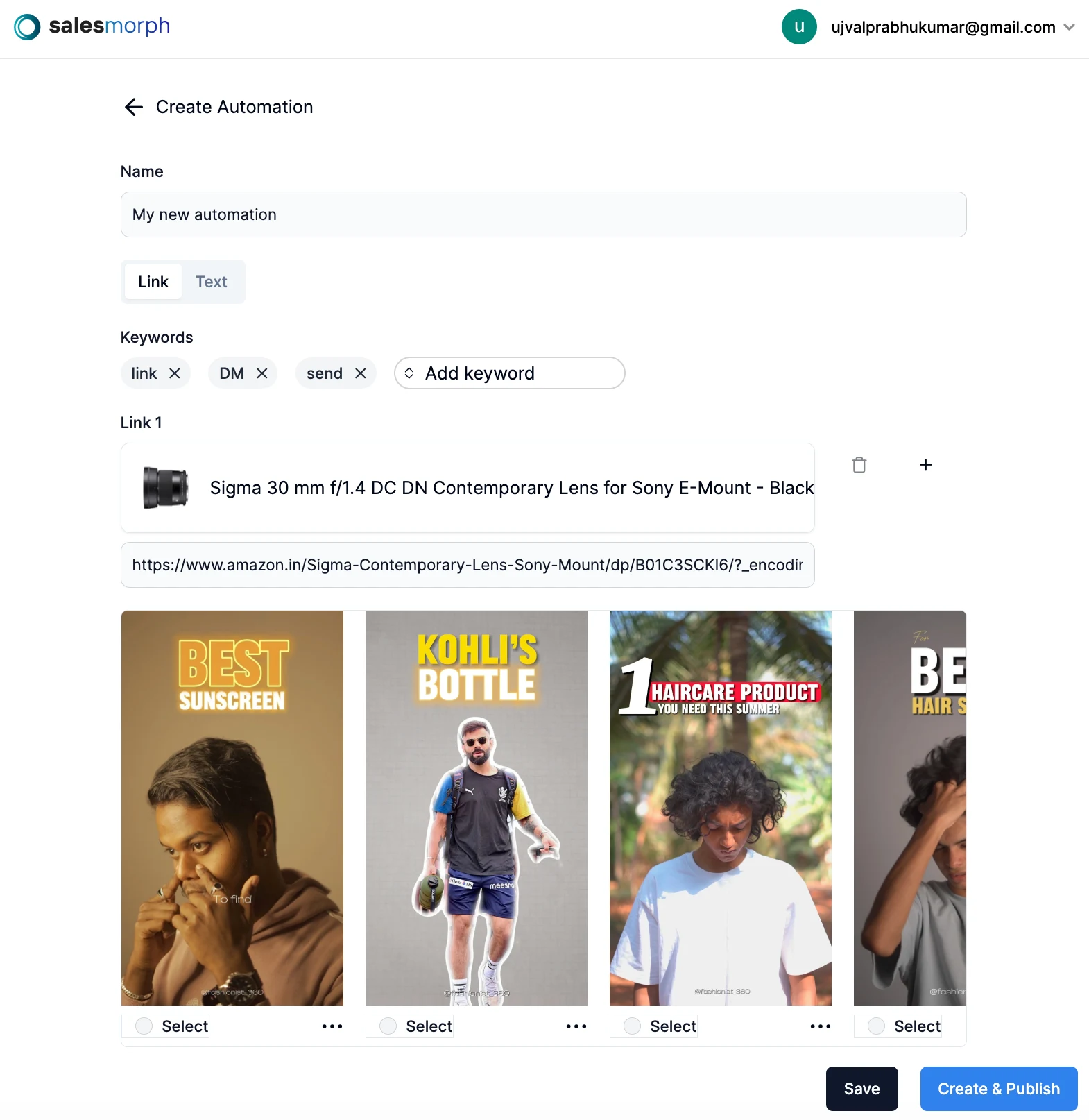
Name your automation, choose a trigger, and configure the public reply and DM message. Review the preview, then select Publish when you are ready.
Turn the next comment into a conversation.
Choose a clear trigger, write a useful response and try your first AP3K campaign.
SHARE THIS ARTICLE