A free ManyChat alternative for Instagram. Compare before you switch.
Looking for a free ManyChat alternative for Instagram? Compare AP3K’s 500-action free plan, comment-to-DM tools, AI replies and migration with ManyChat.
Explore AP3K for comments, Story replies, DMs and lead capture.
Multi-channel conversations
Compare ManyChat against the workflow your business needs.
Compare one real campaign. Choose with evidence.
START WITH YOUR GOAL
Where each tool fits.
Choose AP3K when the work is centered on Instagram and you want to budget for replies and DMs. Choose ManyChat when coordinating conversations across channels is a core requirement.
THE INSTAGRAM WORKFLOW
Choose AP3K for the conversation.
Respond to comments, Story interactions and DMs. Deliver links to the website, checkout or booking tool you already use.
ManyChat combines chat marketing across several messaging channels. Its plans now use monthly active contacts, with channel and team access varying by plan. That makes the channel mix and contact definition important when comparing a quote with AP3K’s successful-action allowance.
ManyChat is a strong candidate when Instagram shares a campaign with WhatsApp, Messenger or other supported channels. Its team inbox and broader conversation tools can justify managing a larger workspace.
EXPLORE THE AP3K EXPERIENCE
Turn the next interaction into a useful conversation.
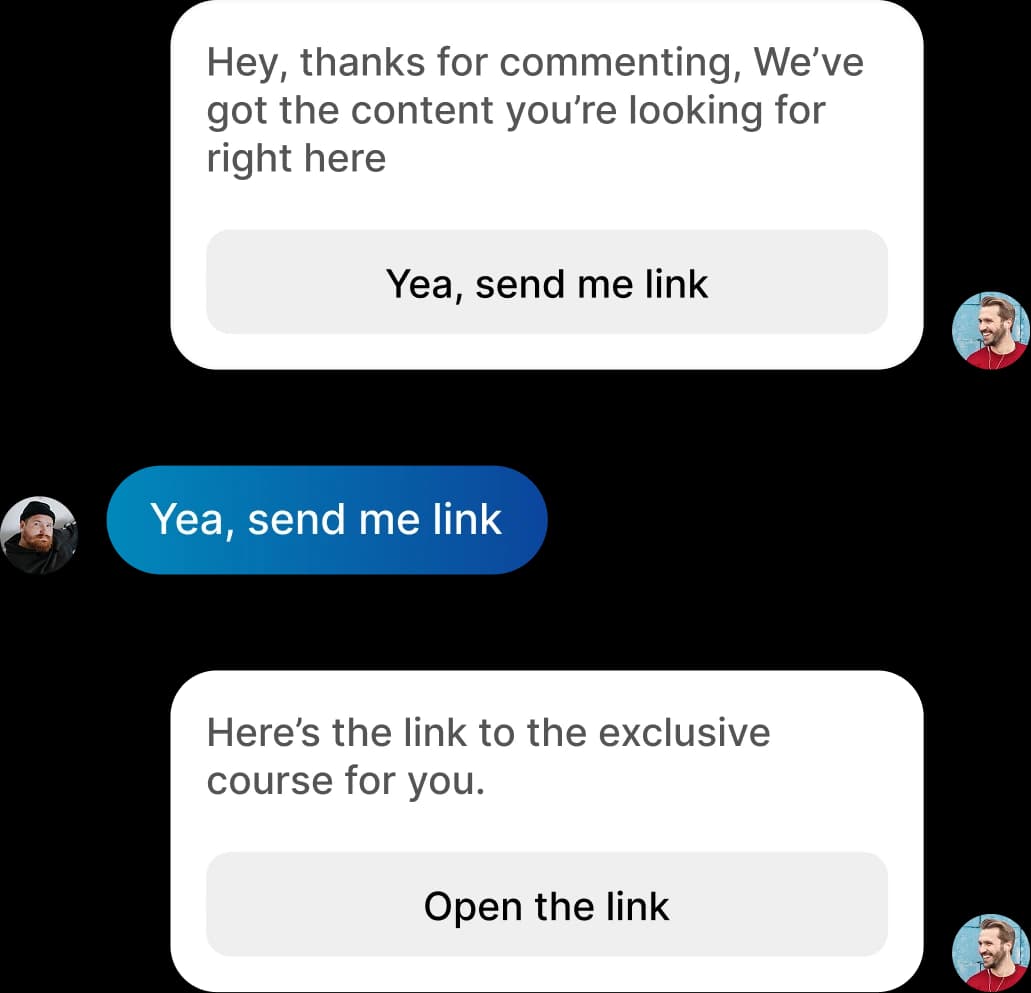
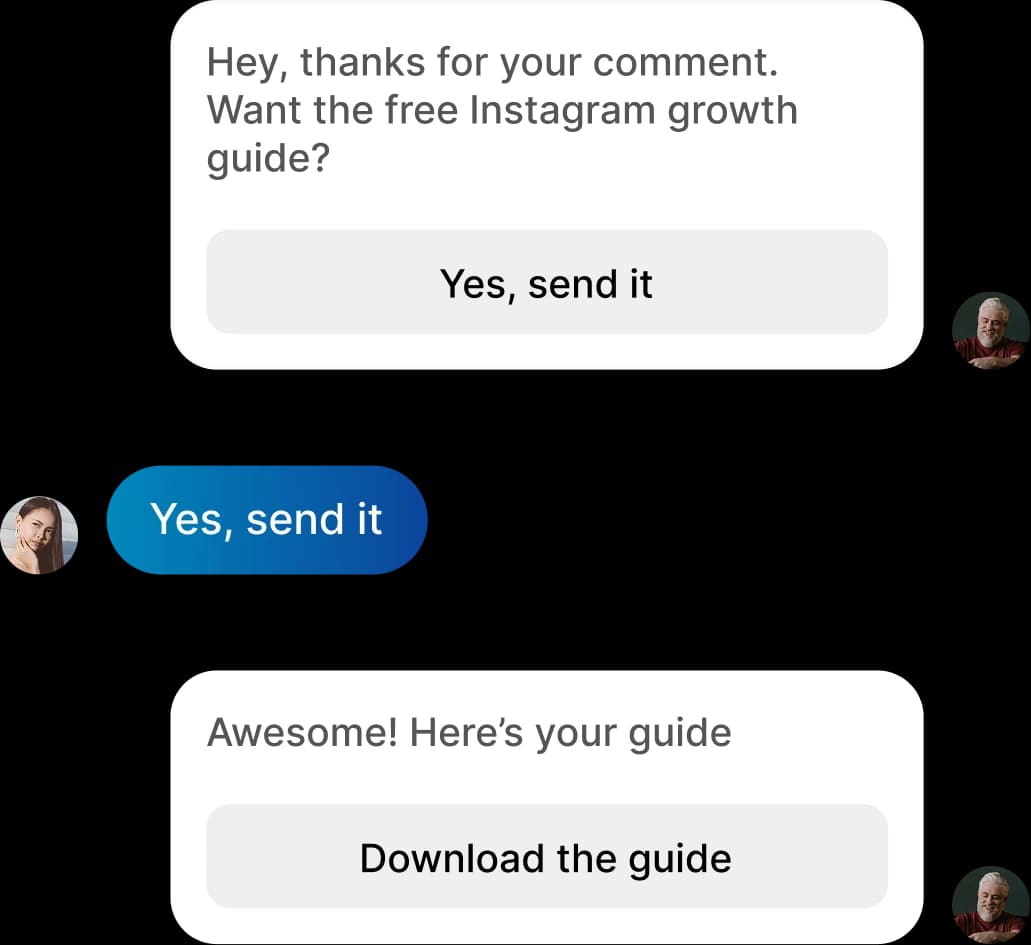
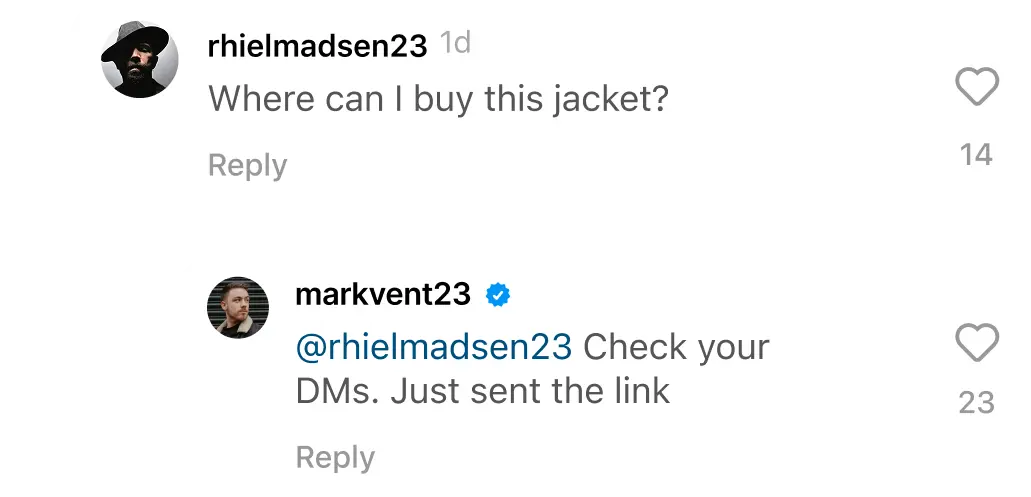
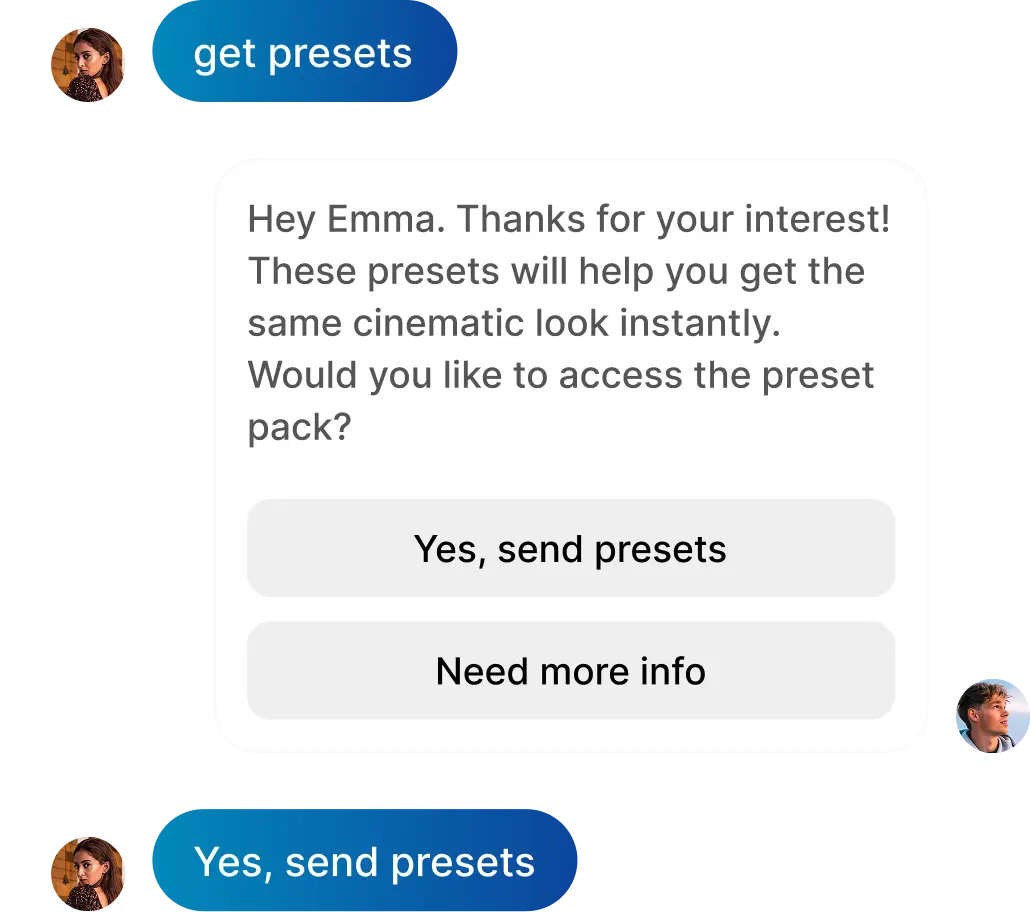
Explore example journeys below, then watch the real editor in action. Follow gates, follow-ups and contact collection require Pro or Business.
Automatically
Automatically
Send links
Reply to comments
Reply to DM
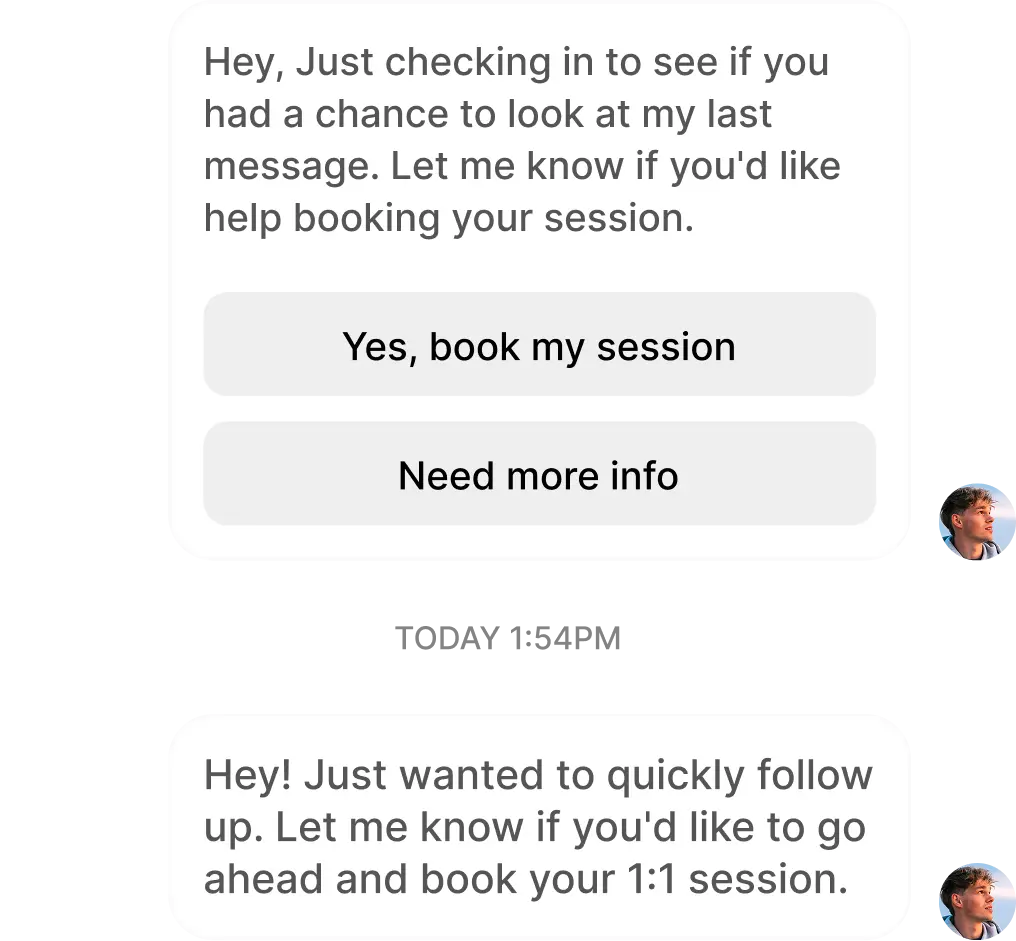
Send a follow-up message
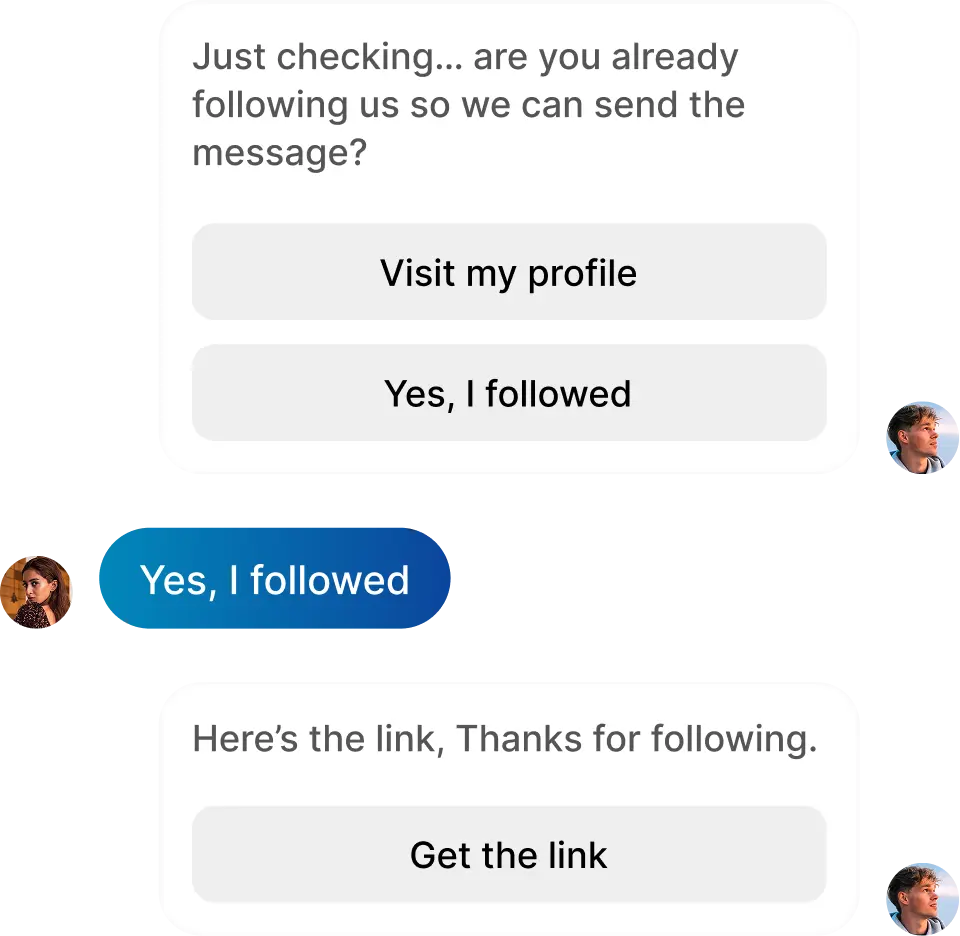
Get new followers
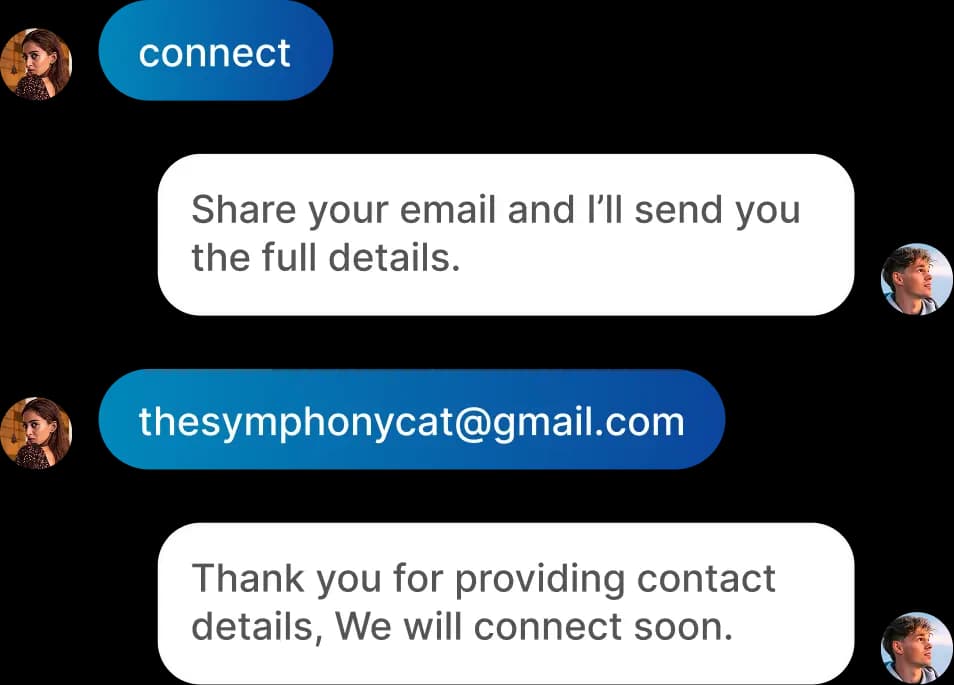
Collect contact details
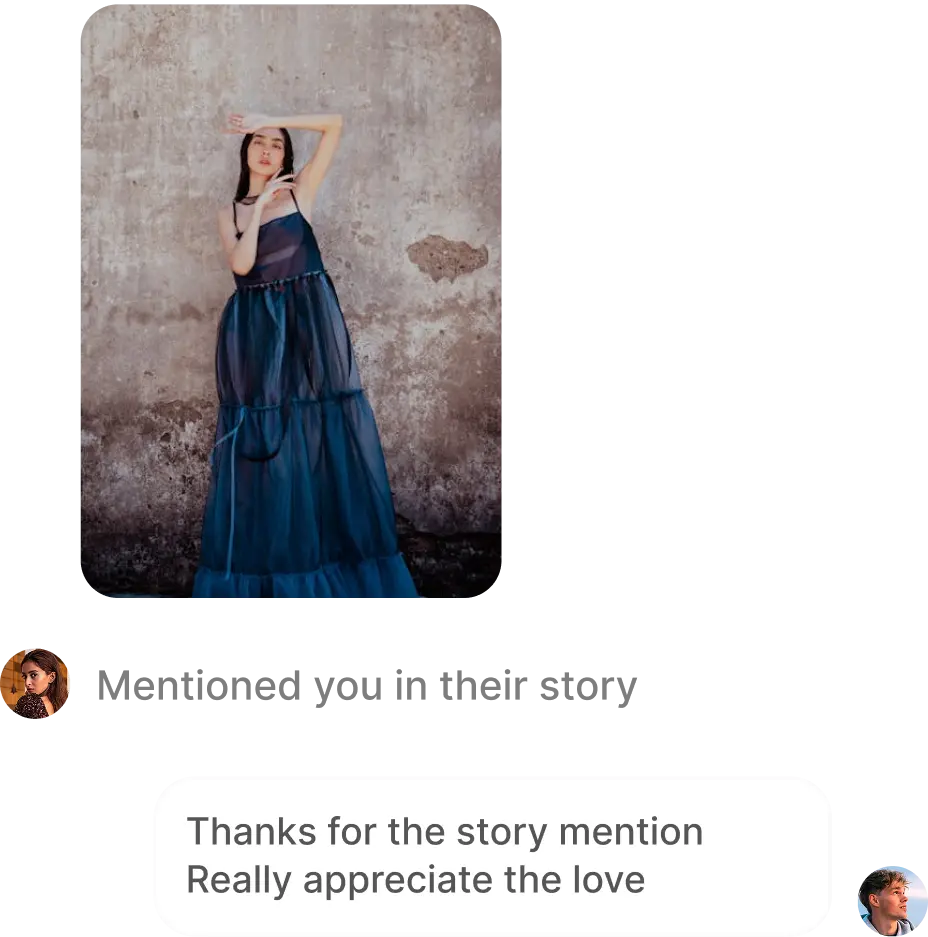
Reply to story mentions
Reply to shared post
Swipe on mobile or select a feature on desktop. Illustrative examples. Actual delivery depends on your settings, plan and Instagram eligibility.
THE PRACTICAL DIFFERENCES
Compare the workflow, not just the price.
Compare your channels, required steps and how usage is counted. A storefront, an agency CRM and an Instagram automation workspace solve different parts of the journey.
AP3K vs ManyChat · Scroll to compare on small screens
What matters
AP3K
ManyChat
Best fit
Instagram campaigns, replies and lead capture
Conversations across multiple messaging channels
Instagram comment → DM
Post and Reel triggers; keyword or any comment
Comment-triggered automations and DM links
Usage model
Successful automated actions: each sent public reply or DM
Monthly active contacts: people interacted with
Free plan
500 actions/month · 1 account · 5 active automations
25 active contacts/month · up to 4 live triggers
Contact collection
Email and phone capture + Contacts CSV on Pro and Business
Contact collection and tags on Essential and above
AI replies
Pro and Business, within monthly AI allowances
AI-powered conversations on Pro and above
Custom workflows
Visual Flow Builder publishing on paid plans
Custom automation builder; availability varies by plan
Channels & team
Instagram account workspaces; up to 6 accounts on Business
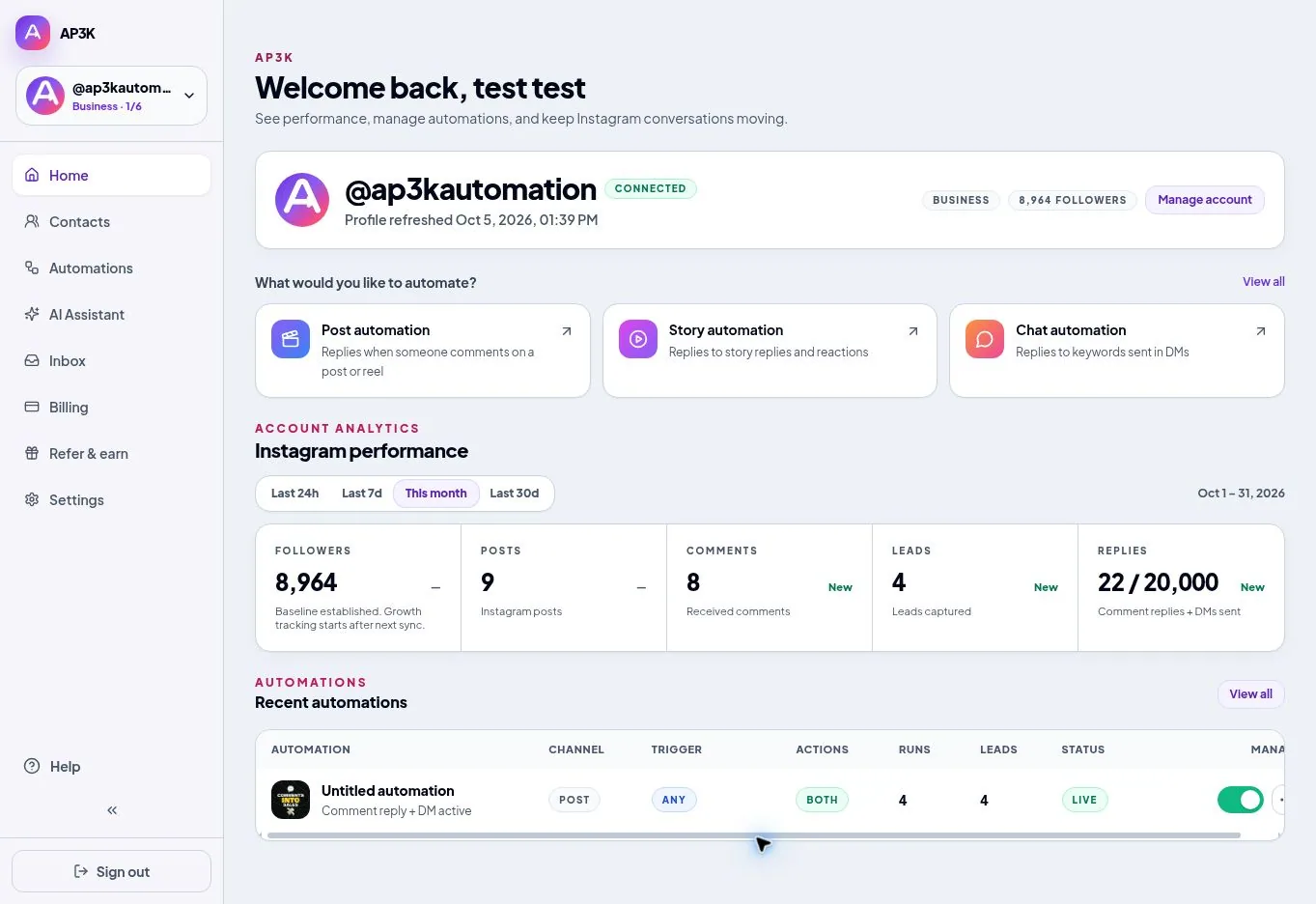
Manage automations, inspect activity and work with captured contacts in AP3K. Account activity and feature availability depend on your workspace and plan.
Is AP3K a free ManyChat alternative for Instagram?
You can start with AP3K Free: one Instagram account, five active automations and 500 successful automated actions per month. No credit card is required. Contact collection, follow gates, follow-ups, AI replies and custom Flow publishing require an eligible paid plan.
Does AP3K replace every ManyChat feature?
No. AP3K focuses on Instagram. If you need WhatsApp, Messenger or other messaging channels in the same workspace, evaluate ManyChat against those requirements. Compare the actual customer journey you need, rather than a checklist alone.
Are 500 actions the same as 500 contacts?
No. One successful public reply counts as one action, and one successful DM counts as another. A person receiving both uses two actions. Extra automated messages add actions; failed or skipped sends do not count. ManyChat measures active contacts differently.
Can I import my existing ManyChat flows?
There is no automatic ManyChat flow import in AP3K. Rebuild one campaign as a draft, review every message and link, turn off overlapping rules in the previous tool, then publish and test the replacement from another Instagram account.
Can I collect an email and phone number in AP3K?
Pro and Business can request email and phone details in supported automations. Captured fields are saved to the contact. Use Contacts to filter records and Download CSV to export them. Test invalid answers and the final DM as well as the first prompt.
Will either platform guarantee Instagram delivery?
No. Instagram permissions, account eligibility, messaging rules and usage limits still apply. Test a complete conversation from another account and inspect activity. A preview is not proof that Instagram delivered a message.
AP3K
Start with one useful conversation.
Choose a post, deliver what you promised, and test the experience from comment to click.