



Answer every Instagram comment with a DM

Automate comments, DMs, and story replies on Instagram.

Built for creators on Instagram

Official Instagram API

Automatically

Automatically

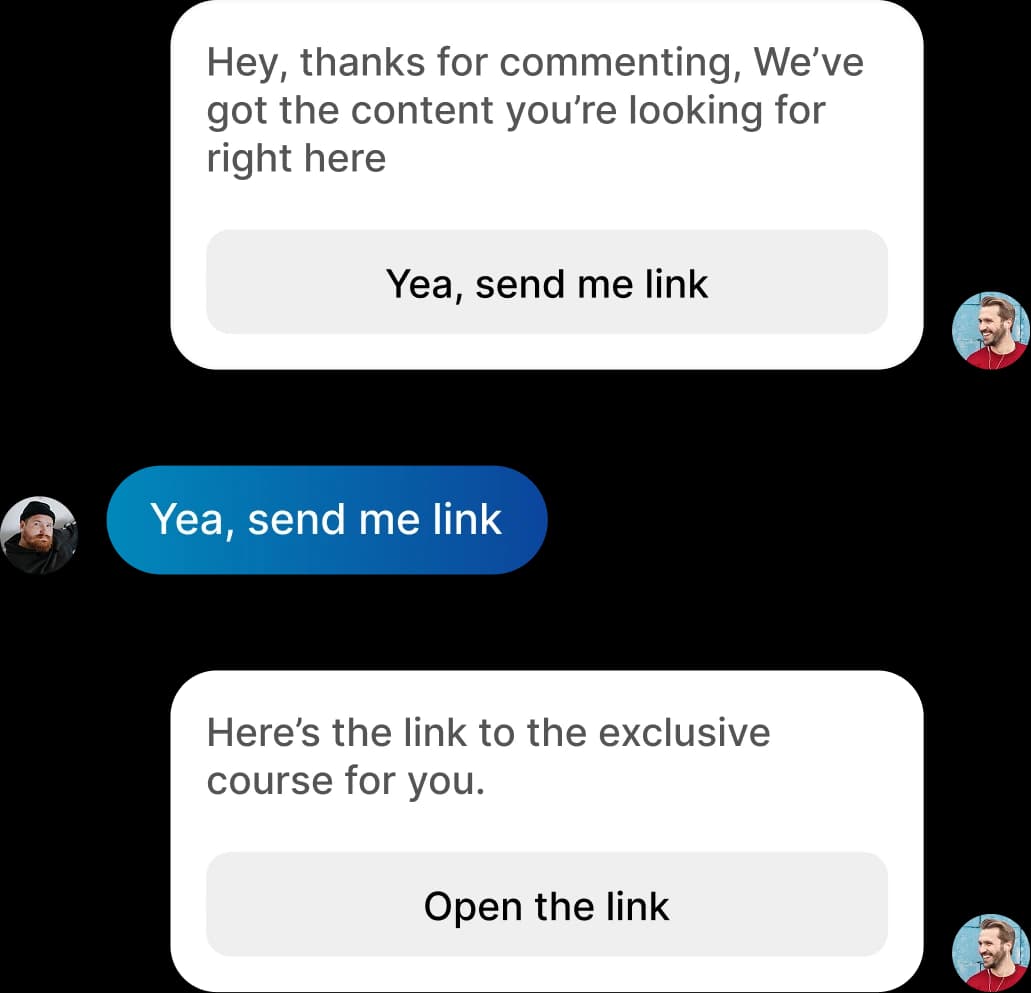
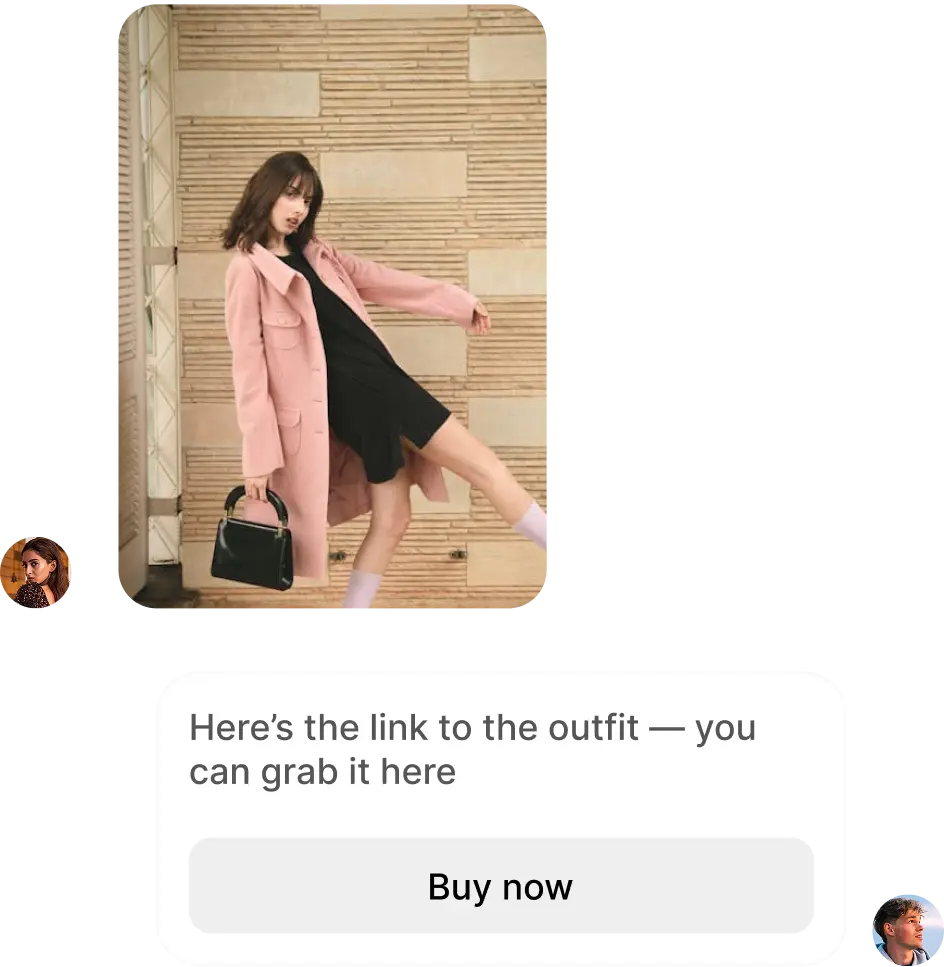
Send links
Send links
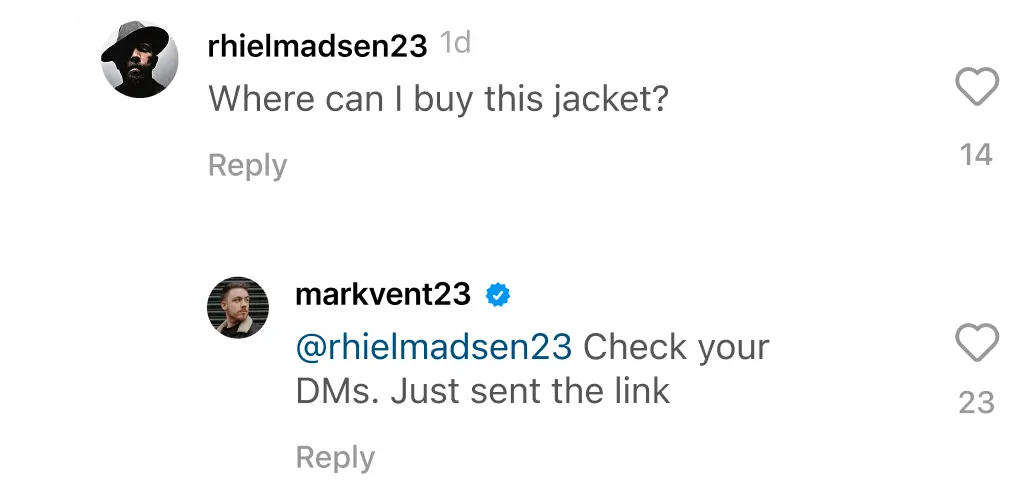
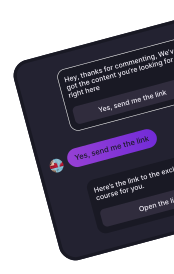
Reply to comments
Reply to comments
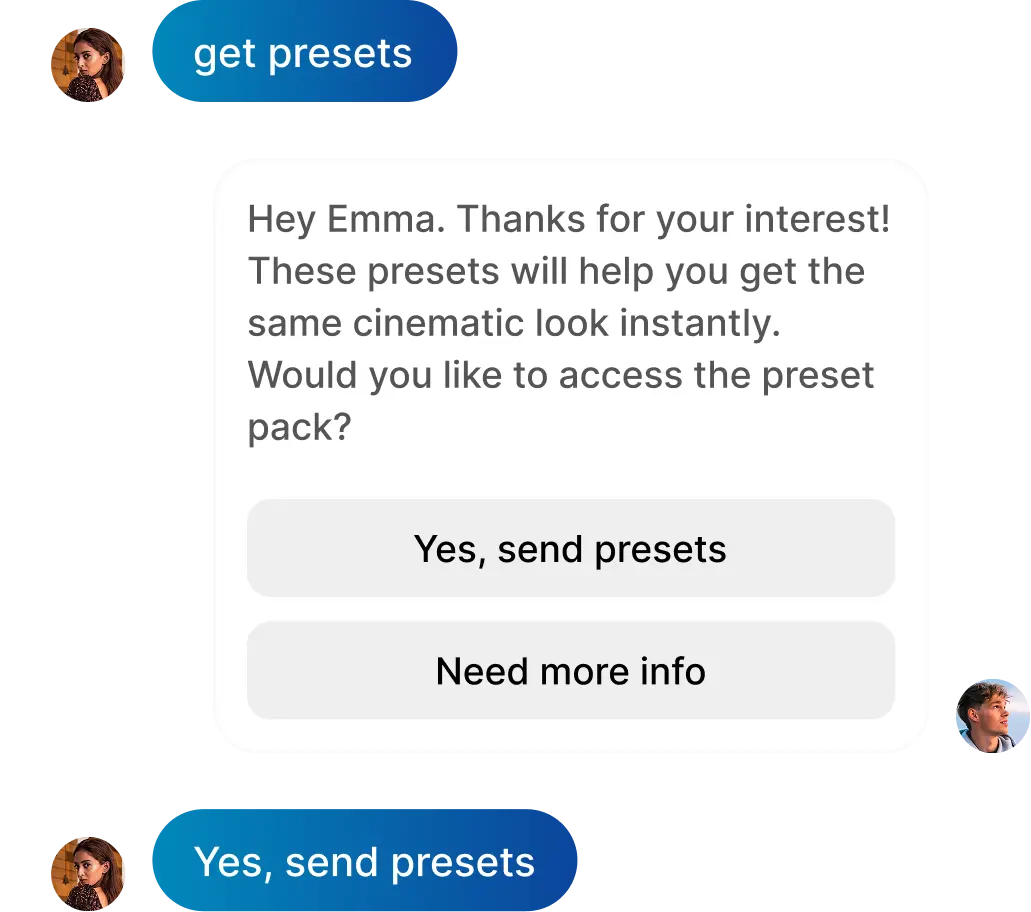
Reply to DM
Reply to DM
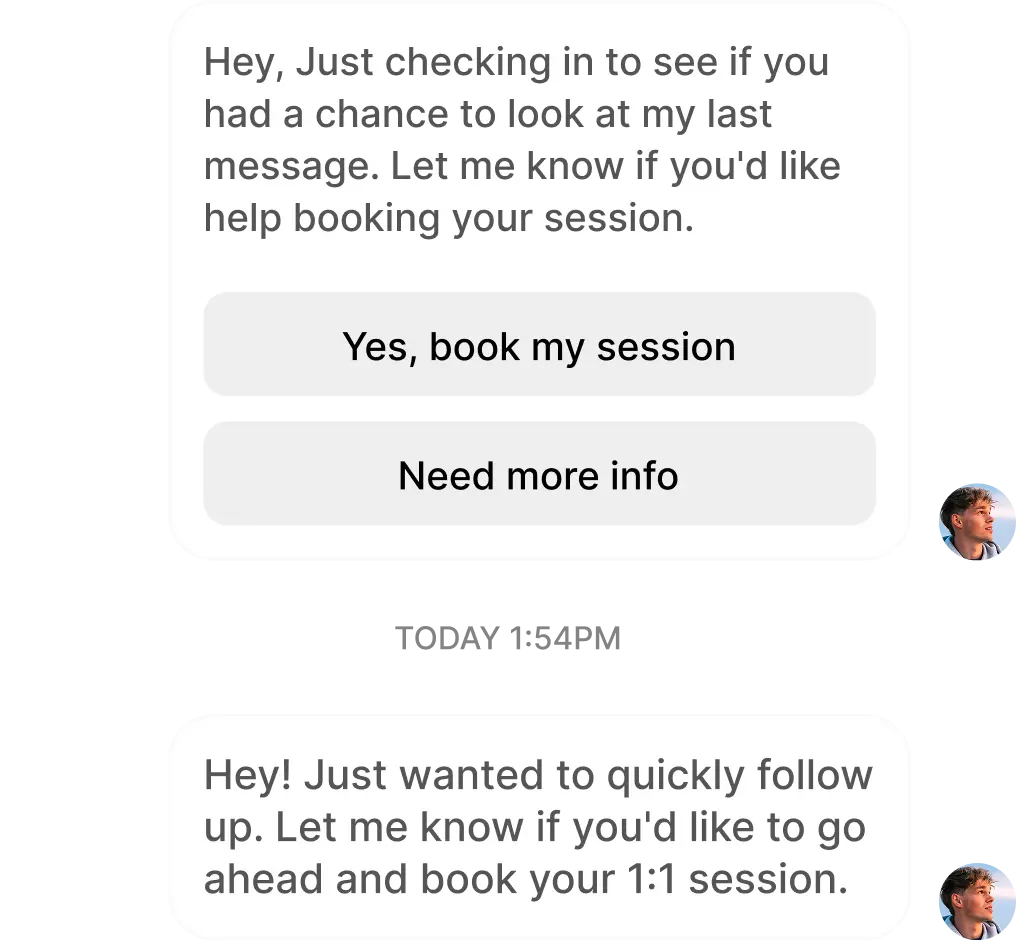
Send a follow-up message
Get new followers
Get new followers
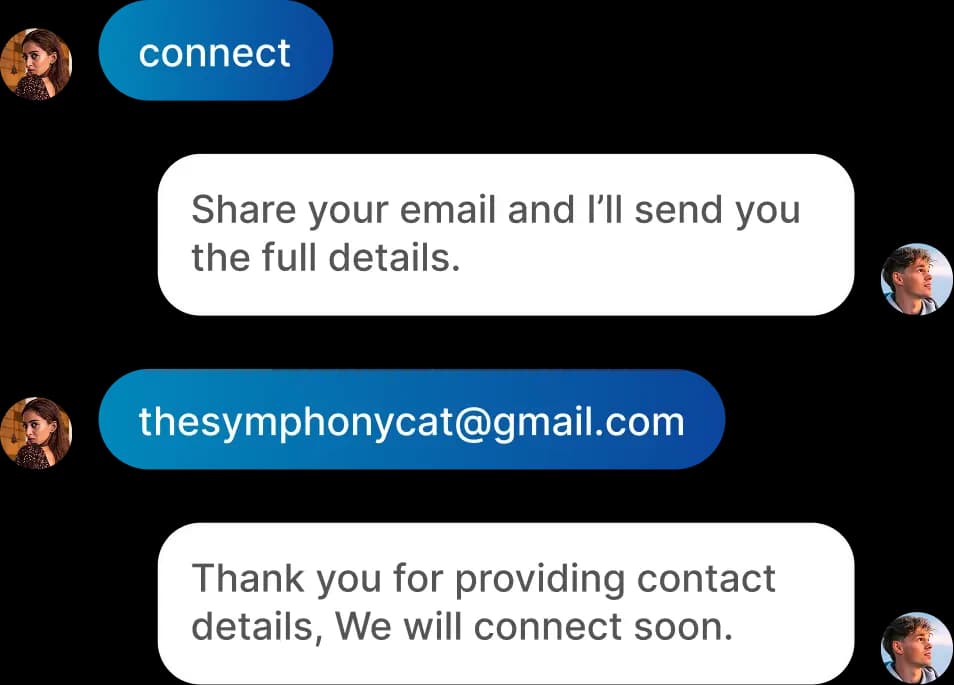
Collect contact details
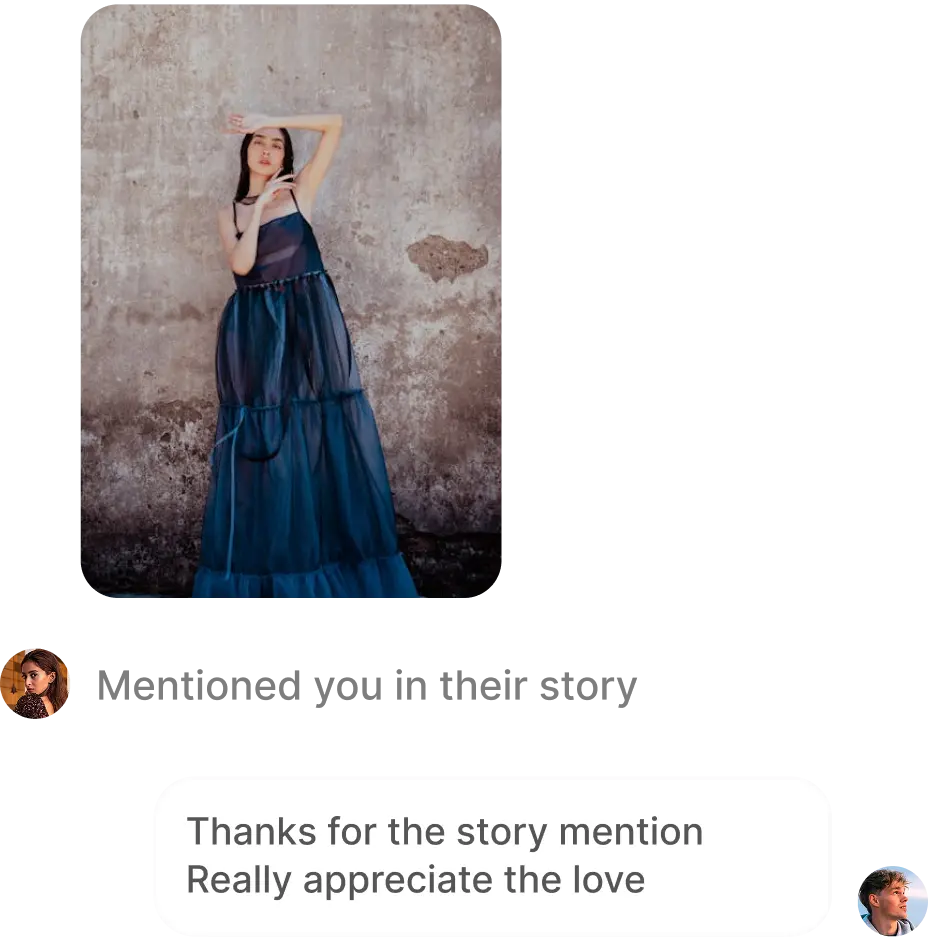
Reply to story mentions
Reply to shared post

Set up
automation
in minutes

Automatically reply to comments and DMs on Instagram while you focus on content, not chats.

  1. Choose Keywords

    Pick comments or keywords that instantly trigger a message

  2. Create your reply

    Add messages, links, or offers you want to send automatically

  3. Let it run on autopilot

    Every comment gets a reply while you focus on content

Powerful features to

Elevate your Instagram strategy

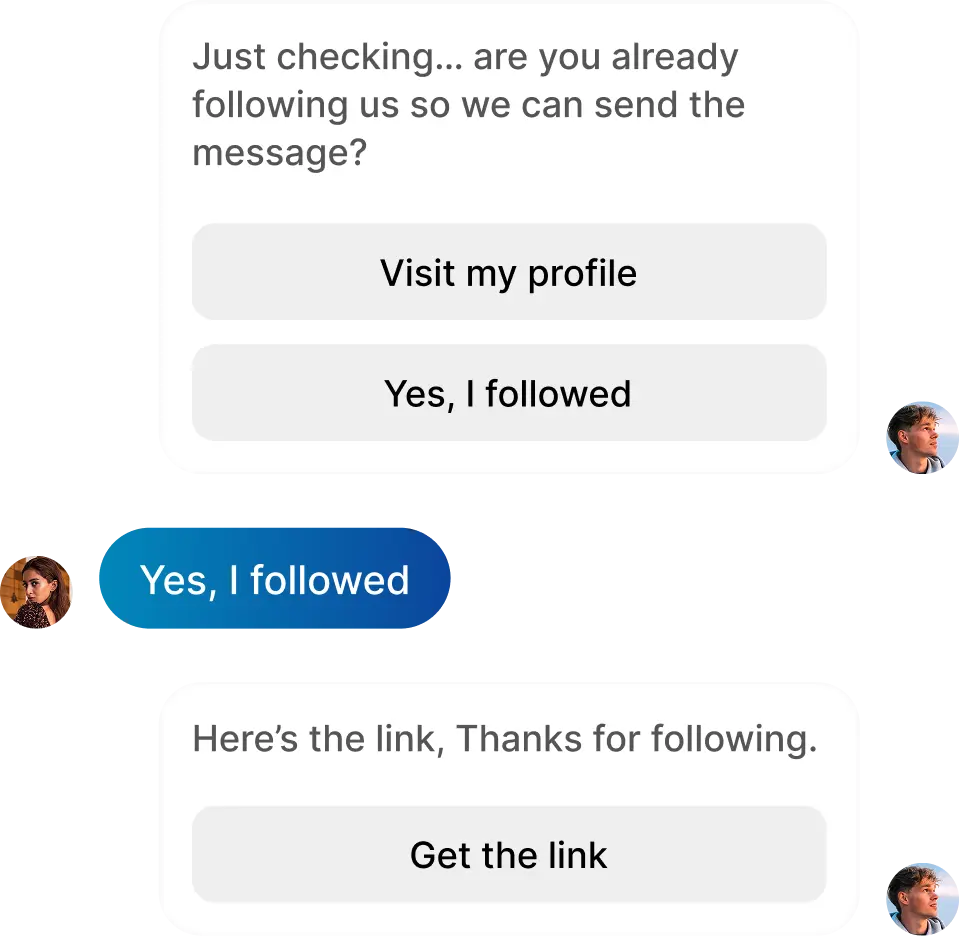
Ask to follow

Grow your audience from each conversation. AP3K can ask people to follow your account and check their follow status before delivering your link or resource.

AI auto reply

Keep conversations moving with relevant, AI-written comment replies. Choose your tone and instructions, then let AP3K respond while you focus on creating.

Story automation

Automatically reply to eligible story interactions and keep your audience engaged.
Next Post

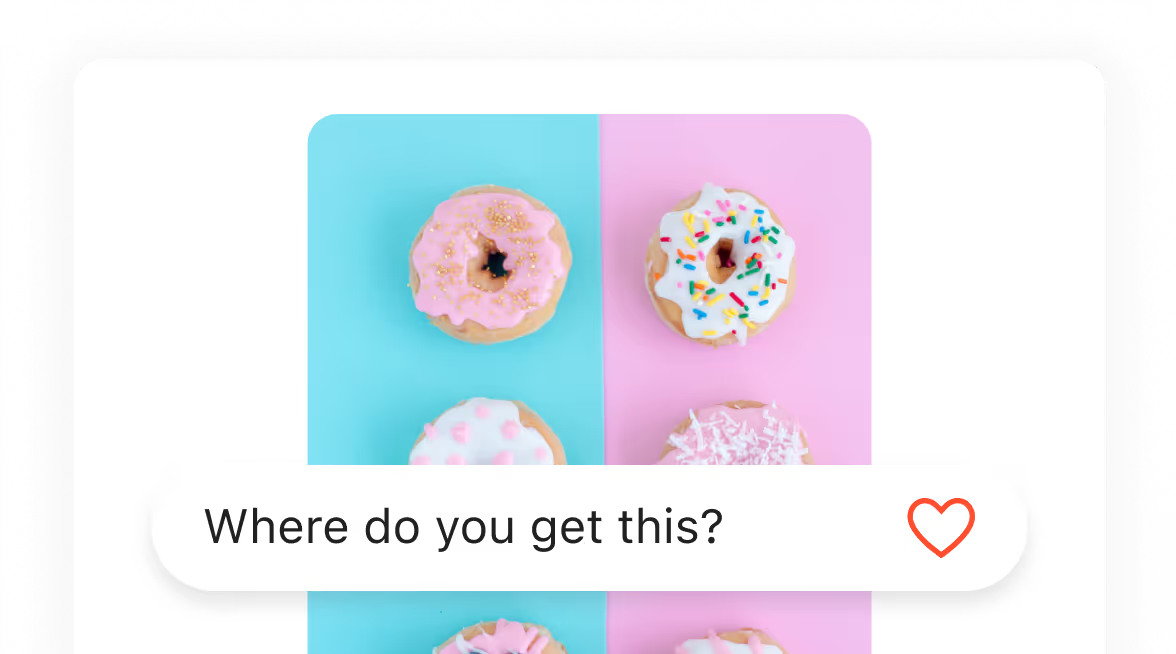
Prepare replies for your next published post or Reel. Activate the automation first; AP3K keeps it attached to that publication.
Universal automation

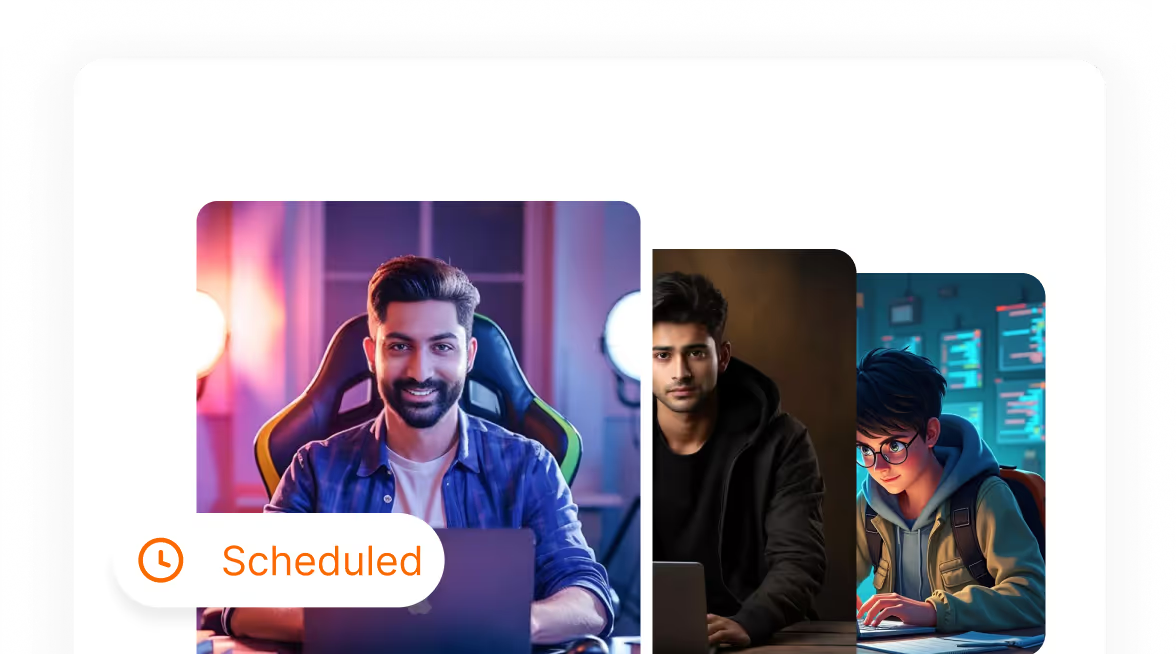
Use any-post comment rules and story triggers to keep conversations moving across your content.
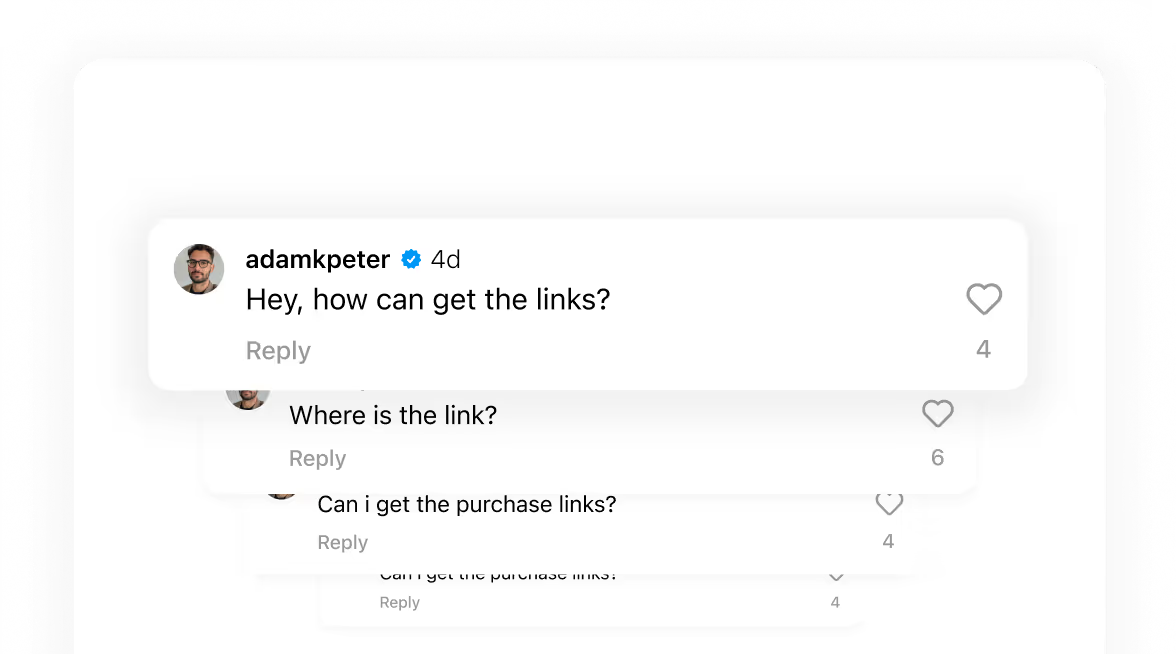
Backtrack

Reply to eligible comments from the previous seven days on supported selected posts. Review the rule and delivery results before expanding your campaign.
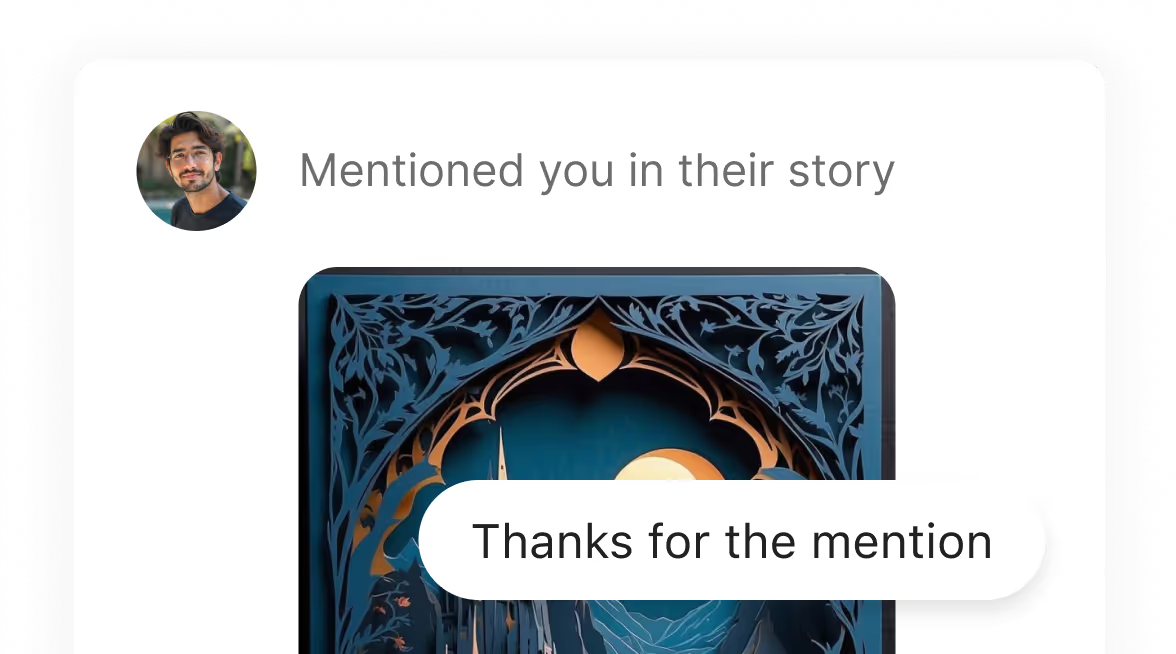
Story Mention

Send an automatic response when someone mentions your account in their story.
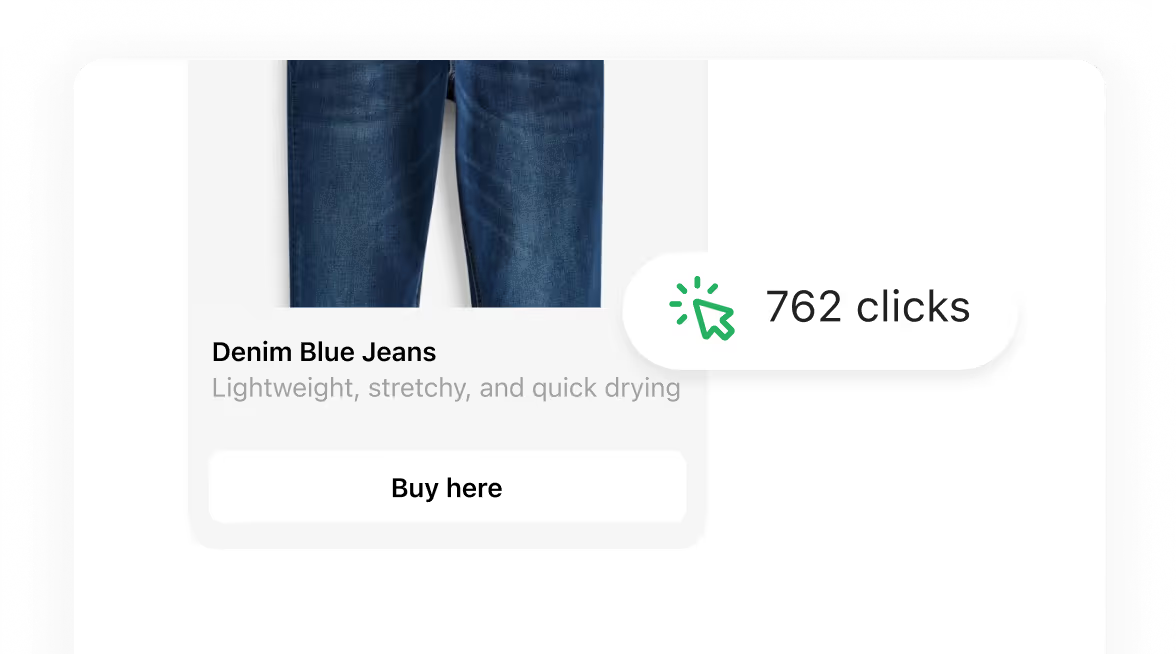
Link Tracking

See unique visitors to automation link buttons, compare destinations and review daily click activity.
Unique every time

Send a unique response to every commenter

Copy-pasted replies look automated. AP3K varies both the public reply and the DM, so every commenter feels personally answered.

AI Auto Reply

A fresh public reply for every comment - AI writes each one in its own words, with the commenter’s real username swapped in.

DM Variations

10+ versions, varied automatically - Write your own or generate with AI, so your replies don’t all sound the same.

Create automations your way

Start simple or build advanced flows with full control
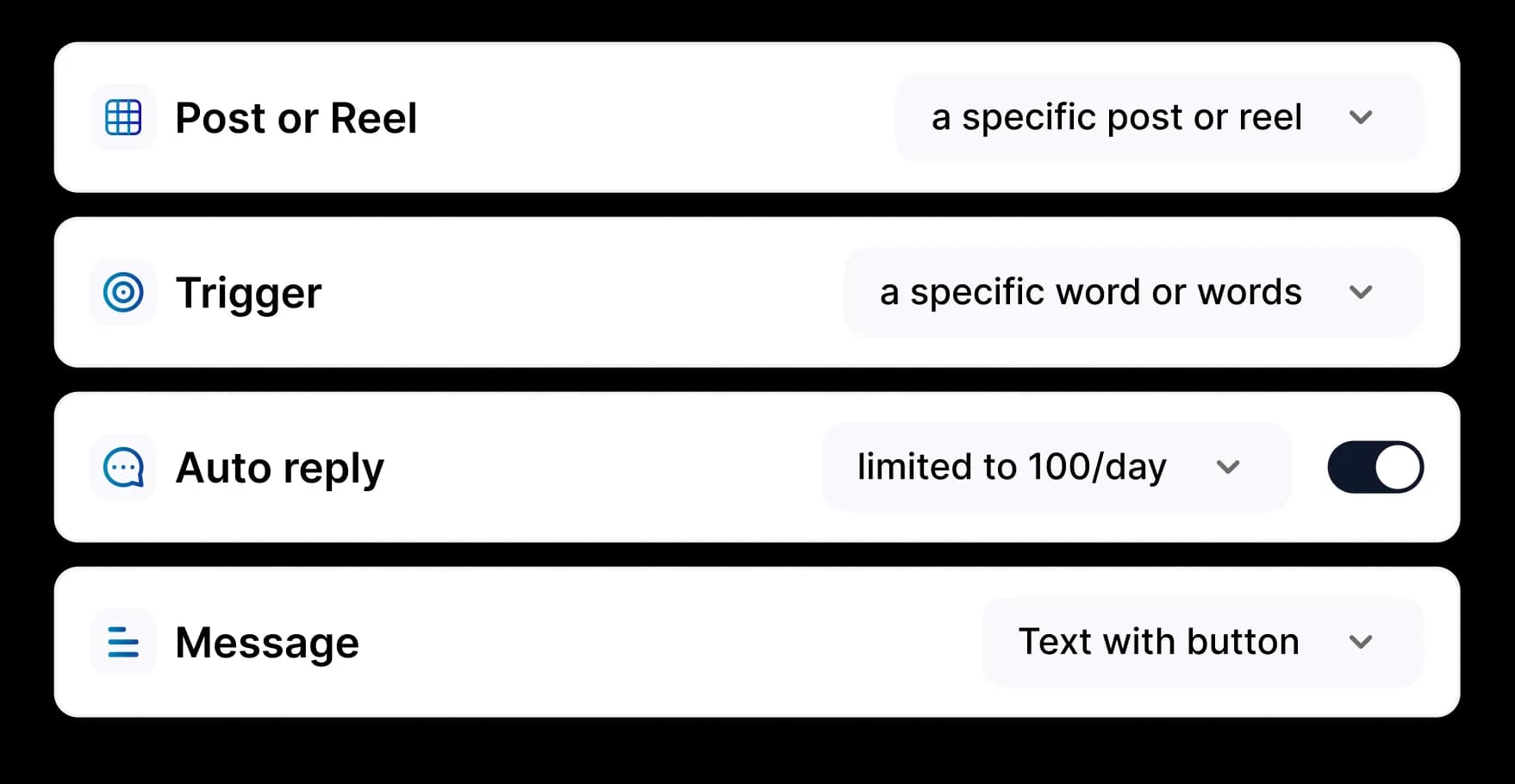
Basic automation steps preview

Basic Automation

Quick and Easy Setup

Start with Basic Automation
  • Set up in minutes
  • Ready to use automation templates
  • Auto reply to comments and DMs
  • Collect emails and leads effortlessly
  • No technical skills required
Flow builder preview

Flow Builder

Advanced and Limitless Flows

Start with Flow Builder
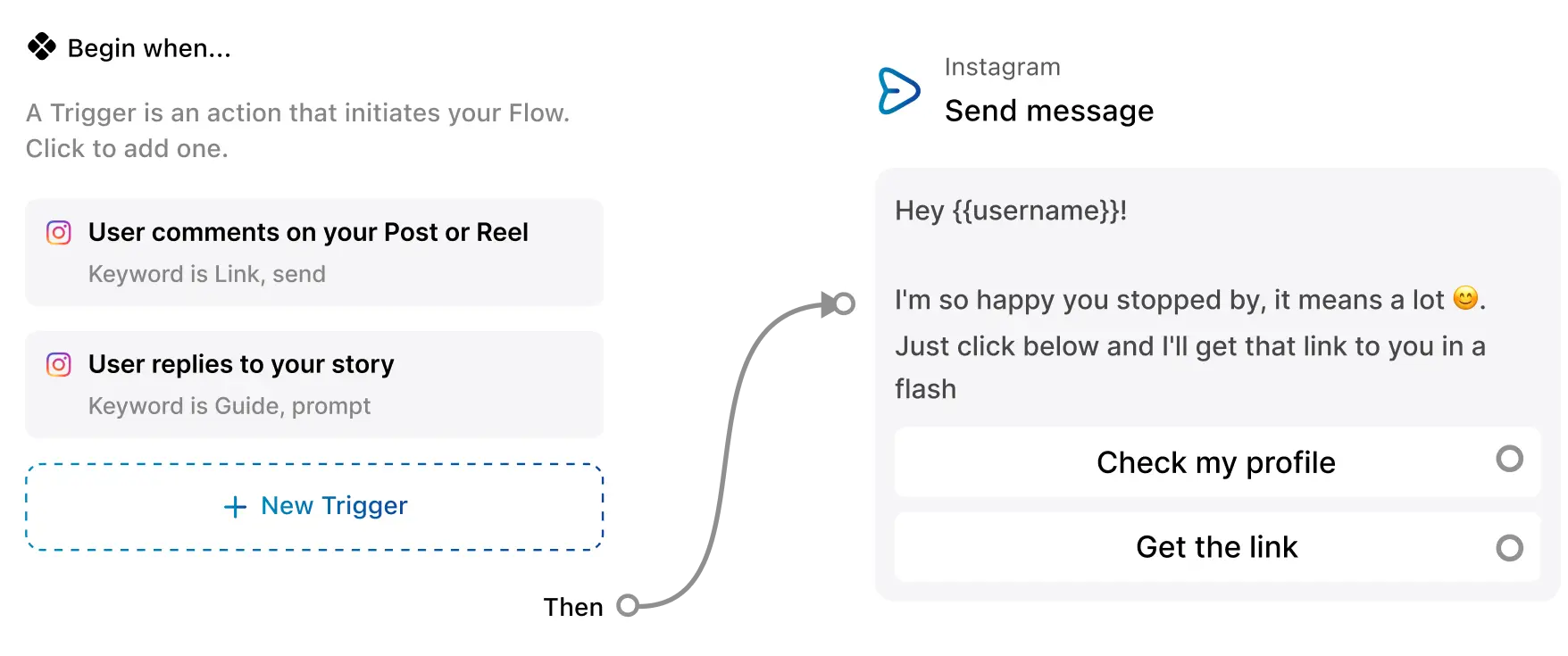
  • Visual node based flow builder with templates
  • Multi step DM sequences
  • Conditional paths and smart triggers
  • Delay, filters and advanced actions
  • Fully customizable journeys

Frequently asked questions

Everything you need to know

What is AP3K?
AP3K automates Instagram comments, direct messages, and story interactions so creators and businesses can respond to their audience and collect leads.
How does AP3K work?
Connect your Instagram account, choose a trigger, and write your response. When an eligible new comment, story interaction, or DM matches, AP3K runs your automation.
How many Instagram accounts can I connect to AP3K?
Free includes one Instagram account, Pro supports up to three, and Business supports up to 6. Each account has its own automations, contacts, and inbox.
What is the Comment-to-DM feature?
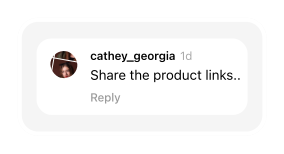
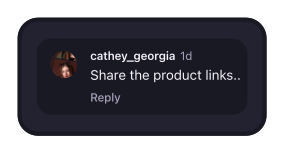
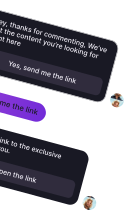
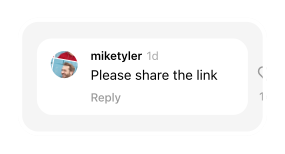
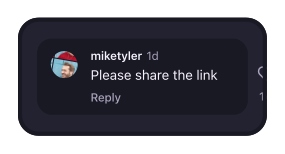
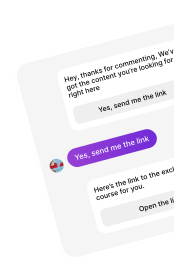
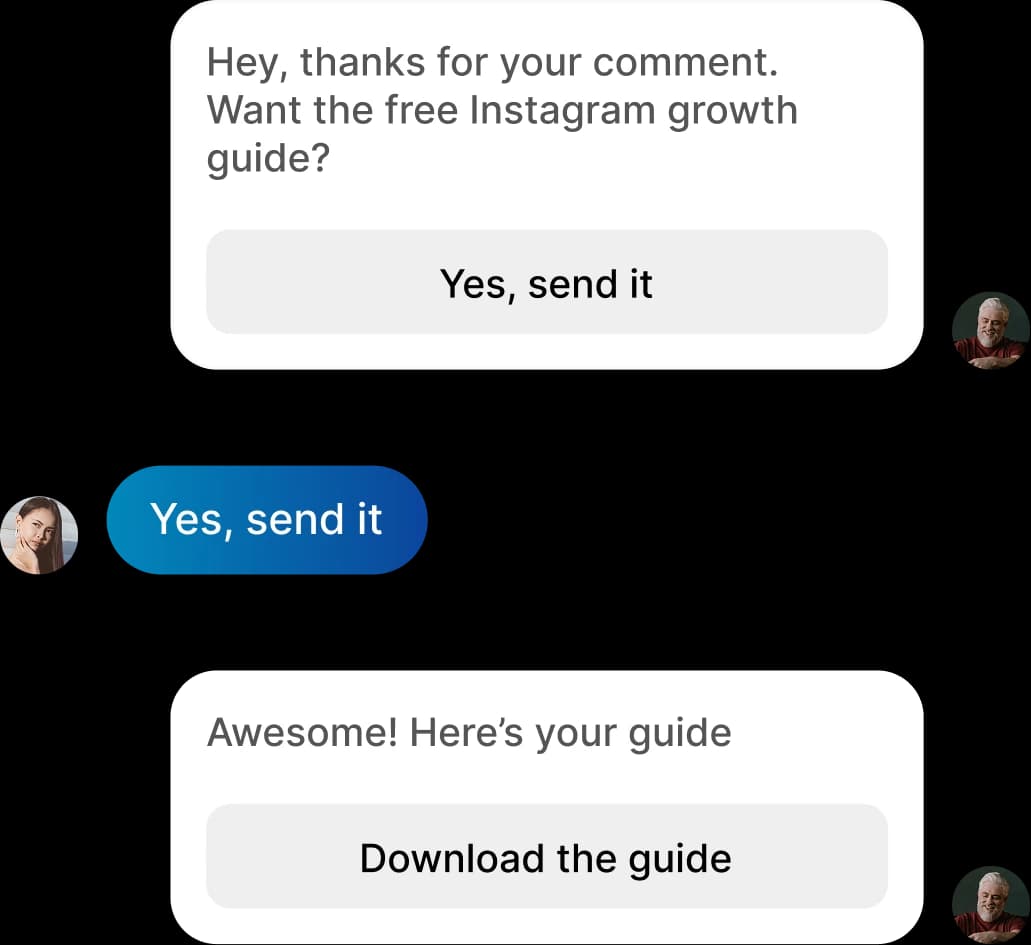
It sends a private message when someone comments on your post or reel. You can match specific keywords or any eligible comment, add a public reply, and deliver a link or offer.
Is AP3K safe to use?
AP3K connects through Instagram’s official authorization and API. You control its permissions and can disconnect at any time. Your automations must still follow Instagram’s policies and messaging limits.
What is the Ask to Follow feature?
Ask people to follow your account before receiving your link or resource. AP3K checks their follow status when Instagram provides it and delivers the message after the follow check succeeds.
Can I automate responses to Instagram Stories?
Yes. Story automation responds to eligible story replies, reactions, and mentions using the triggers and messages you configure.
What is Universal Automation?
An any-post rule applies a comment automation across your posts instead of one selected post. Story and chat automations use their own triggers.
Can AP3K recover missed comments?
Yes. Use Backtrack comments separately to process eligible comments from the previous seven days on supported selected posts. Free includes three attempts; Pro and Business have no attempt cap. Account permissions, usage and delivery protections still apply.
Is AP3K free?
Yes. Free includes 500 automated actions per month, one Instagram account, and up to five active automations. Pro and Business add higher limits and AI features.
How do I set up AP3K?
Create an account, connect an Instagram Business or Creator account, and choose Post, Story, or Chat automation. Configure the trigger and response, activate it, and test from another Instagram account.
Does AP3K work with any Instagram account?
AP3K supports Instagram Business and Creator accounts. Switch a personal account to a professional account before connecting.
Does AP3K store my Instagram login details?
AP3K does not ask for or store your Instagram password. You authorize access through Instagram; AP3K stores the access credentials needed to run the features you permit.
How do I set up a Chat Automation?
Choose Chat automation on your dashboard. Set a keyword or any-message trigger, write your reply, and activate it. Test it by sending a DM from another Instagram account.
How do I export captured leads?
Pro and Business include CSV export. Open Contacts, apply any filters you need, then choose Download CSV to export the matching contacts. Free users can review contacts in their workspace.
How do I contact AP3K customer support if I need help?
Email support@ap3k.com or open the Support center for setup guides and troubleshooting.

AP3K connects through Instagram’s official API. You control the automations you activate.

Your next comment can become a customer

Start automating Instagram today.

Create your first automation, test it from another Instagram account, and let AP3K handle the repetitive follow-up.


AP3K — Instagram Comment & DM Automation