Explore AP3K for comments, Story replies, DMs and lead capture.
Creator link delivery and email capture
Compare CreatorFlow against the workflow your business needs.
Compare one real campaign. Choose with evidence.
START WITH YOUR GOAL
Where each tool fits.
Test the same lead magnet in each product. Check the email prompt, the experience after an invalid answer and the final link before deciding which editor fits your team.
THE INSTAGRAM WORKFLOW
Choose AP3K for the conversation.
Respond to comments, Story interactions and DMs. Deliver links to the website, checkout or booking tool you already use.
CreatorFlow focuses on delivering links after Instagram interactions and capturing email addresses before delivery. Its official site describes a contact CRM and CSV export for connecting collected emails with an email platform.
CreatorFlow is worth considering when email-first link delivery is the central campaign. Its published free allowance is expressed in DMs, so compare that with the public replies and DMs your AP3K campaign will send.
EXPLORE THE AP3K EXPERIENCE
Turn the next interaction into a useful conversation.
Explore example journeys below, then watch the real editor in action. Follow gates, follow-ups and contact collection require Pro or Business.
Automatically
Automatically
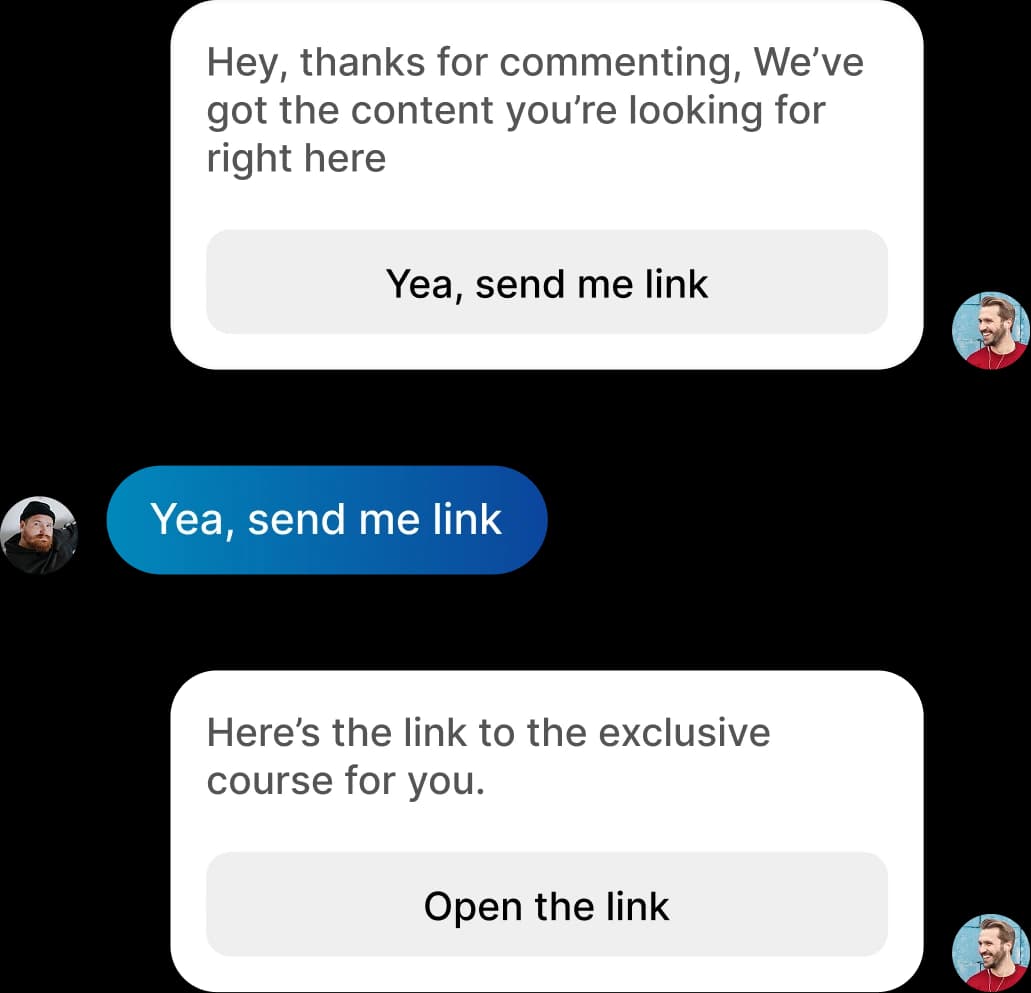
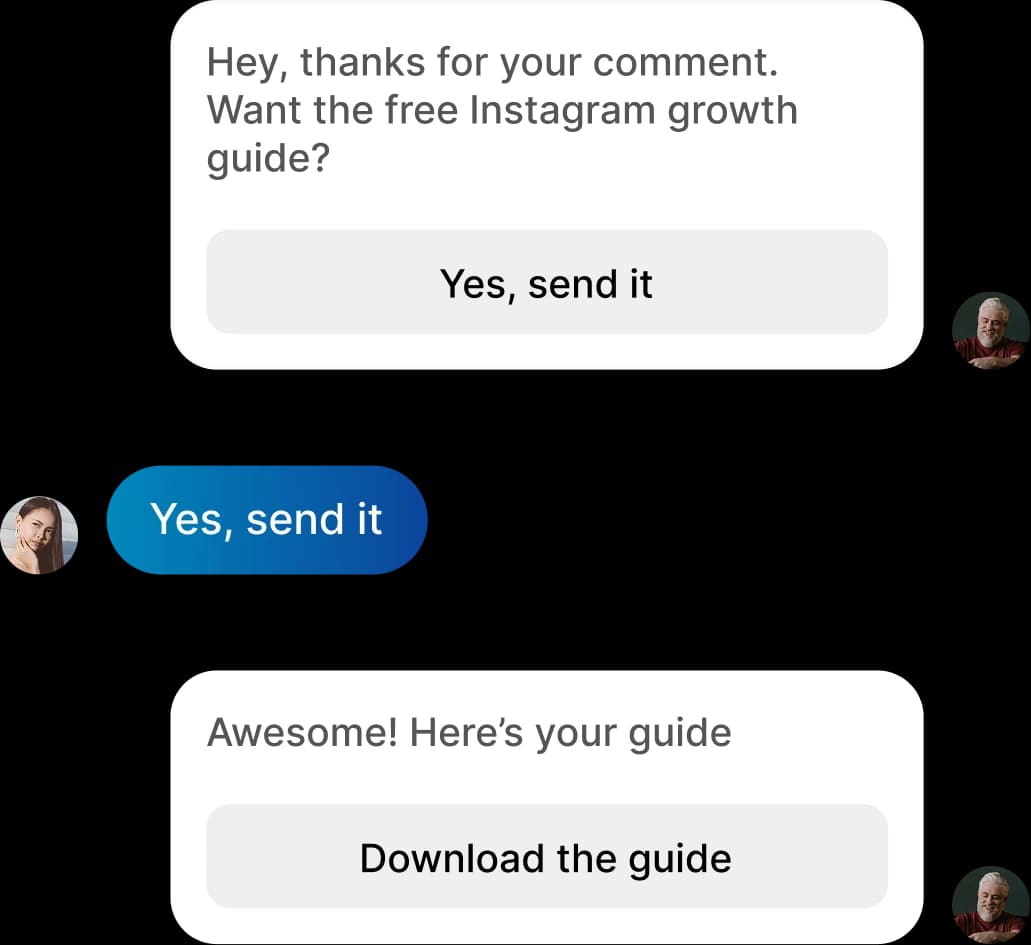
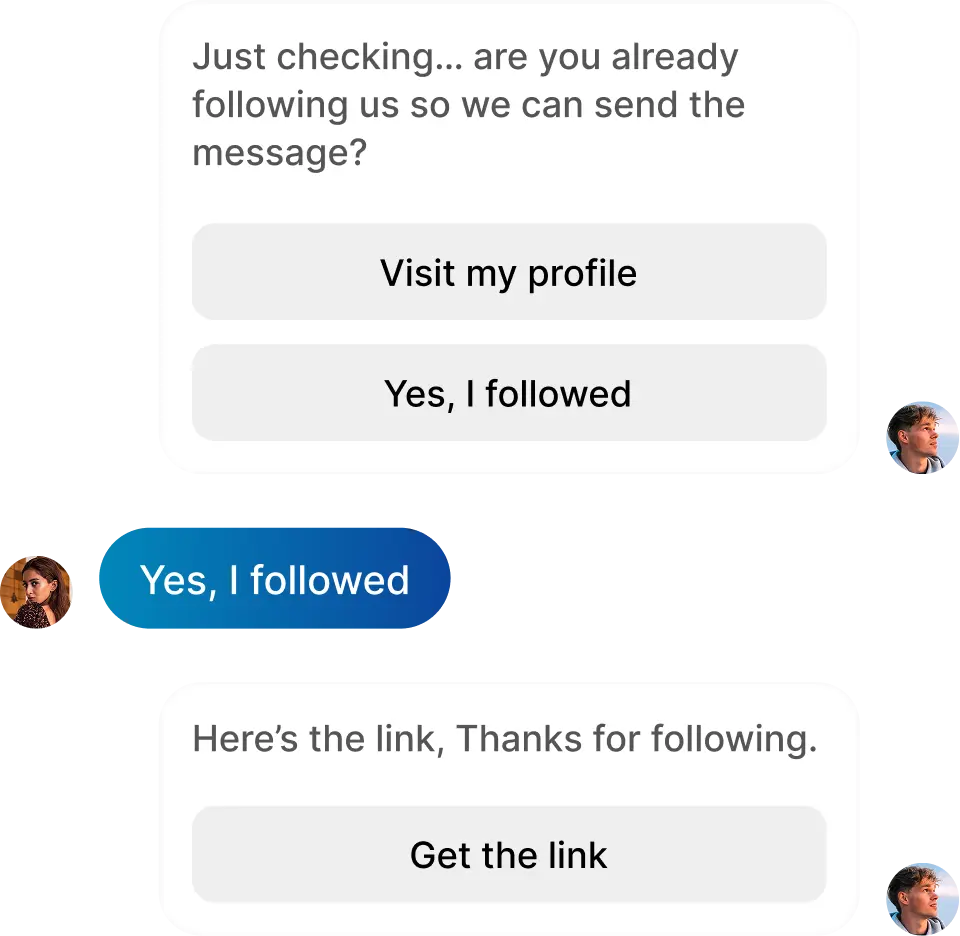
Send links
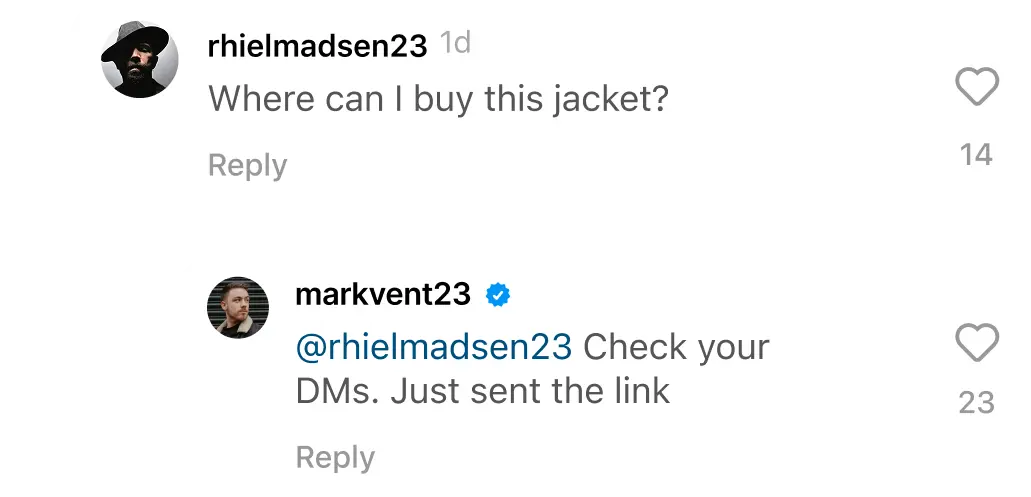
Reply to comments
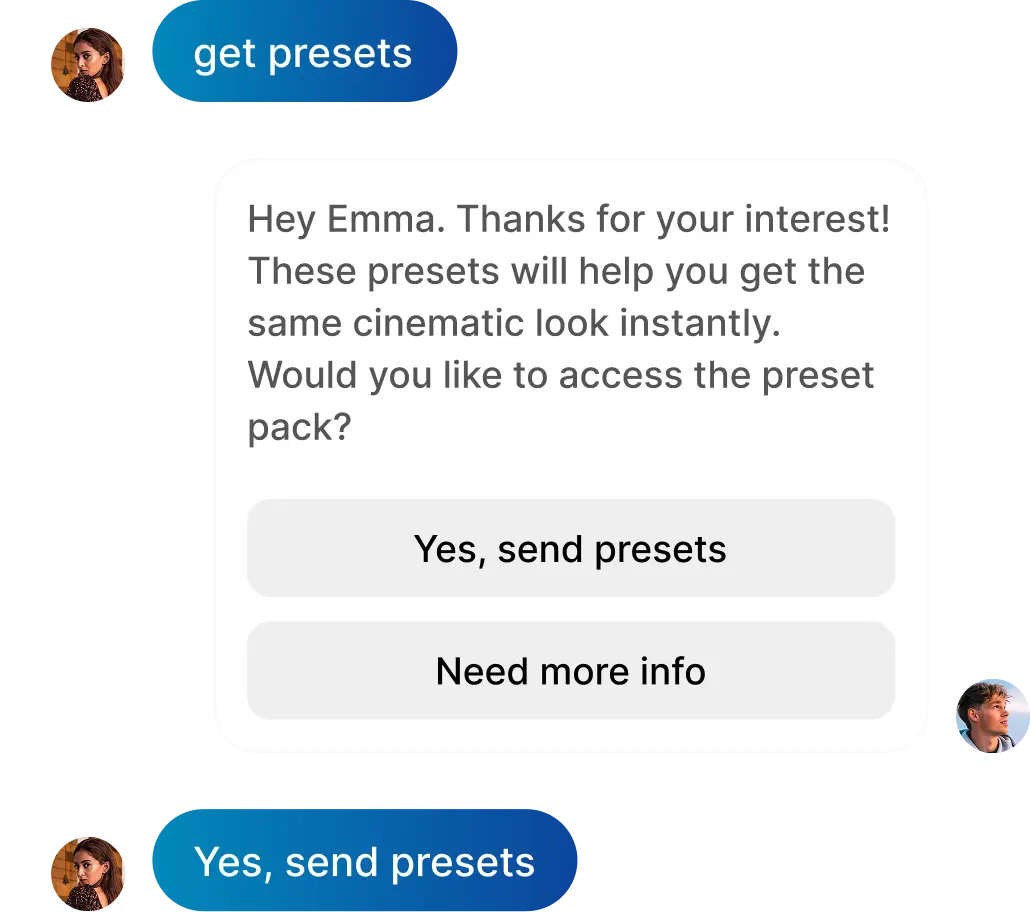
Reply to DM
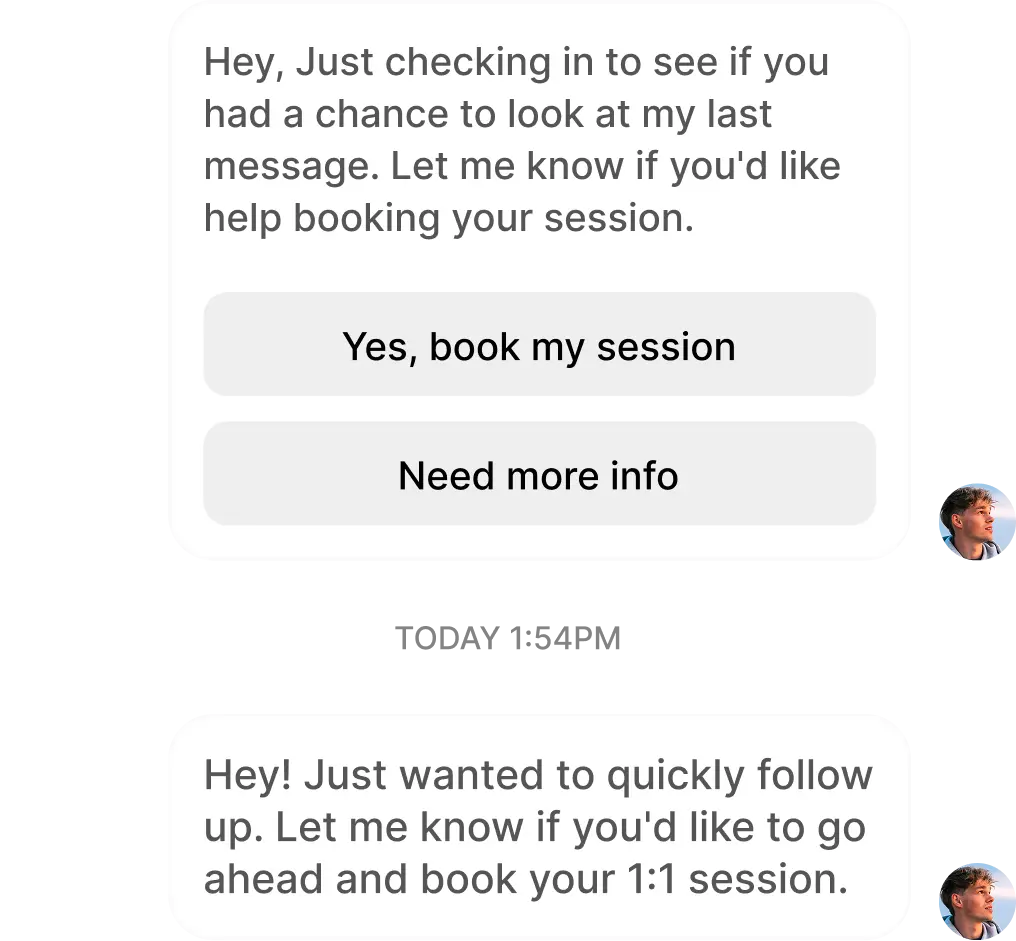
Send a follow-up message
Get new followers
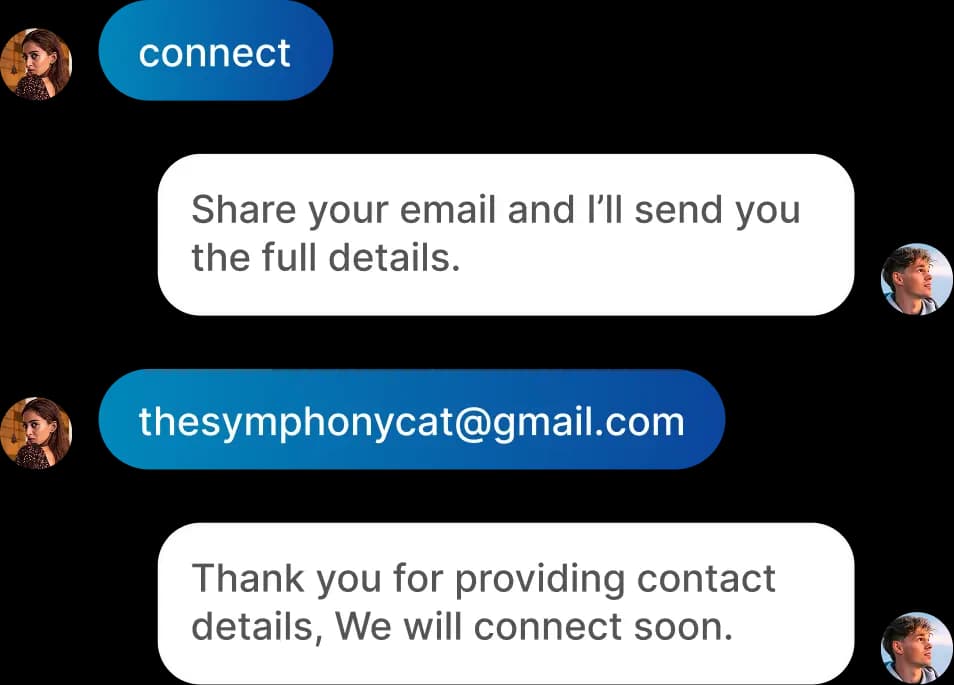
Collect contact details
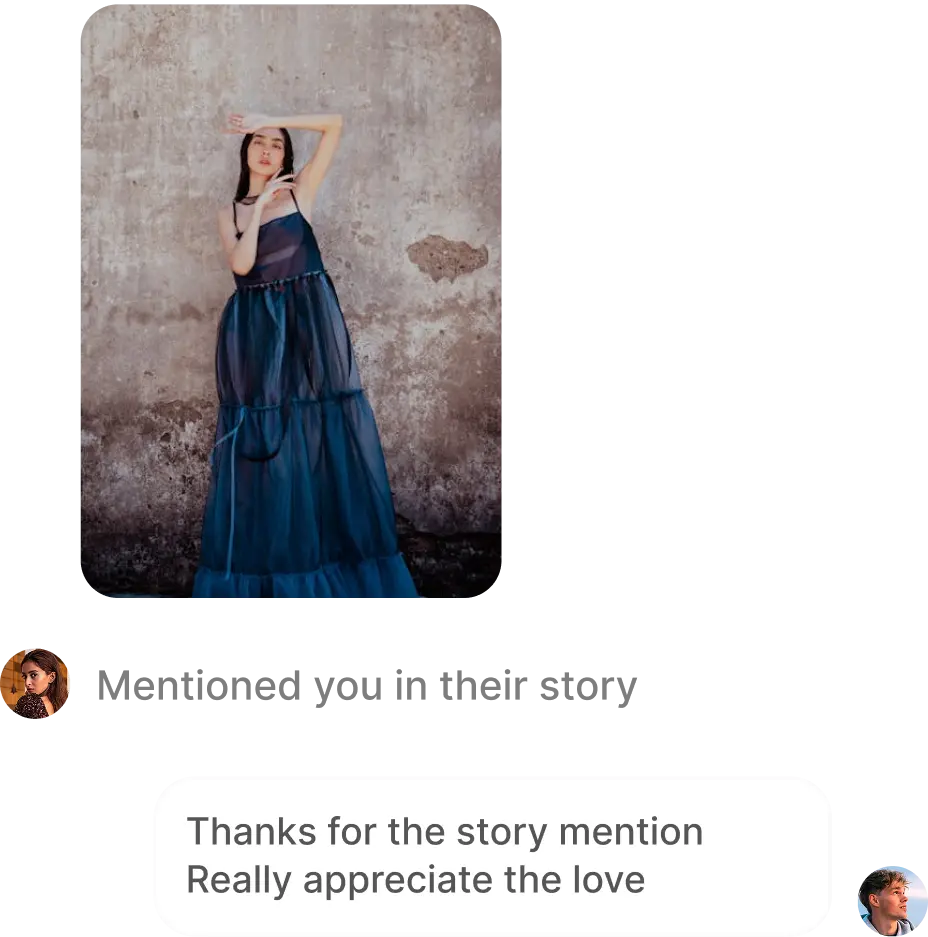
Reply to story mentions
Reply to shared post
Swipe on mobile or select a feature on desktop. Illustrative examples. Actual delivery depends on your settings, plan and Instagram eligibility.
THE PRACTICAL DIFFERENCES
Compare the workflow, not just the price.
Compare your channels, required steps and how usage is counted. A storefront, an agency CRM and an Instagram automation workspace solve different parts of the journey.
AP3K vs CreatorFlow · Scroll to compare on small screens
What matters
AP3K
CreatorFlow
Focus
Instagram campaigns and custom conversations
Instagram link delivery and email capture
Email collection
Email capture in supported automations
Email-before-link collection on paid plans
Free allowance
500 automated actions per month
500 DMs per month, per official site
More complex flows
Canvas publishing on Pro and Business
Evaluate the editor against your required branches
Automatically reply to comments and DMs on Instagram while you focus on content, not chats.
Trigger
1
Choose the trigger
Pick an eligible post comment, Story interaction or incoming DM.
share-link.com
2
Build your response
Write the message and add the destination your audience requested.
Preview → Test
3
Test the full journey
Review and publish deliberately, then test from another Instagram account.
BUDGET FOR YOUR REAL CAMPAIGN
Clear plans. Different units of usage.
Budget for the messages your AP3K campaign sends, then compare the same journey with CreatorFlow’s current offer. Contacts, DMs, actions and storefront subscriptions measure different things.
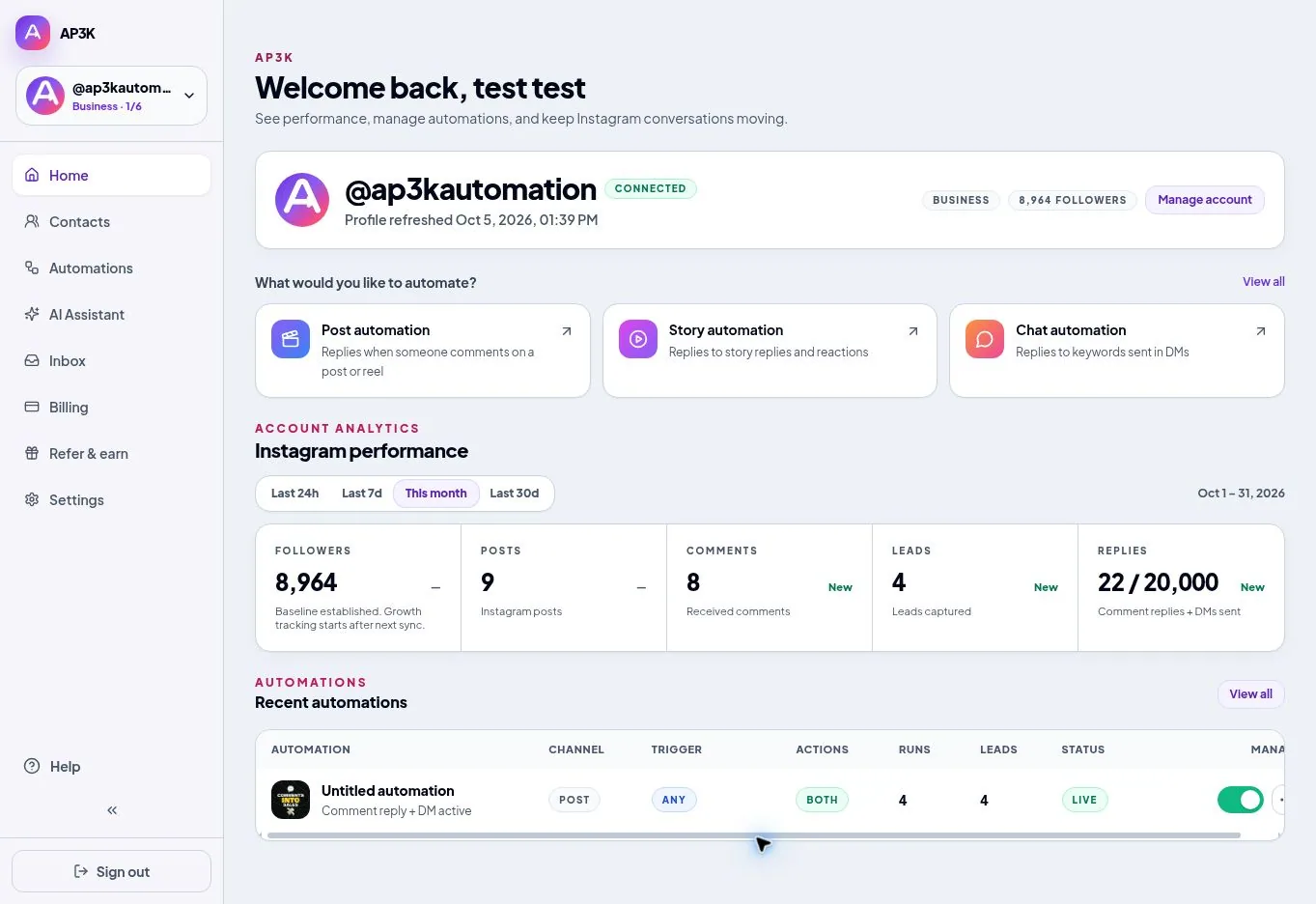
Manage automations, inspect activity and work with captured contacts in AP3K. Account activity and feature availability depend on your workspace and plan.
For Instagram comment replies, link delivery and lead capture, AP3K is an option to evaluate. Test the same lead magnet in each product. Check the email prompt, the experience after an invalid answer and the final link before deciding which editor fits your team.
Can I test AP3K before paying?
You can start with AP3K Free: one Instagram account, five active automations and 500 successful automated actions per month. No credit card is required. Contact collection, follow gates, follow-ups, AI replies and custom Flow publishing require an eligible paid plan.
Does AP3K replace every CreatorFlow feature?
AP3K focuses on Instagram conversations. CreatorFlow focuses on creator link delivery and email capture. CreatorFlow is worth considering when email-first link delivery is the central campaign. Its published free allowance is expressed in DMs, so compare that with the public replies and DMs your AP3K campaign will send.
Can I keep my existing website or store?
Yes. Add your existing HTTPS destination to an AP3K message button. The destination can be a product, guide, booking page or link hub. AP3K does not replace the checkout or automatically import data from an external form.
Can I move an existing campaign to AP3K?
AP3K does not automatically import another platform’s flows. Rebuild one campaign as a draft, review every message and link, turn off overlapping rules in the previous tool, then publish and test the replacement from another Instagram account.
Can I collect an email and phone number in AP3K?
Pro and Business can request email and phone details in supported automations. Captured fields are saved to the contact. Use Contacts to filter records and Download CSV to export them. Test invalid answers and the final DM as well as the first prompt.
Will automation guarantee Instagram delivery?
No. Instagram permissions, account eligibility, messaging rules and usage limits still apply. Test a complete conversation from another account and inspect activity. A preview is not proof that Instagram delivered a message.
AP3K
Start with one useful conversation.
Choose a post, deliver what you promised, and test the experience from comment to click.