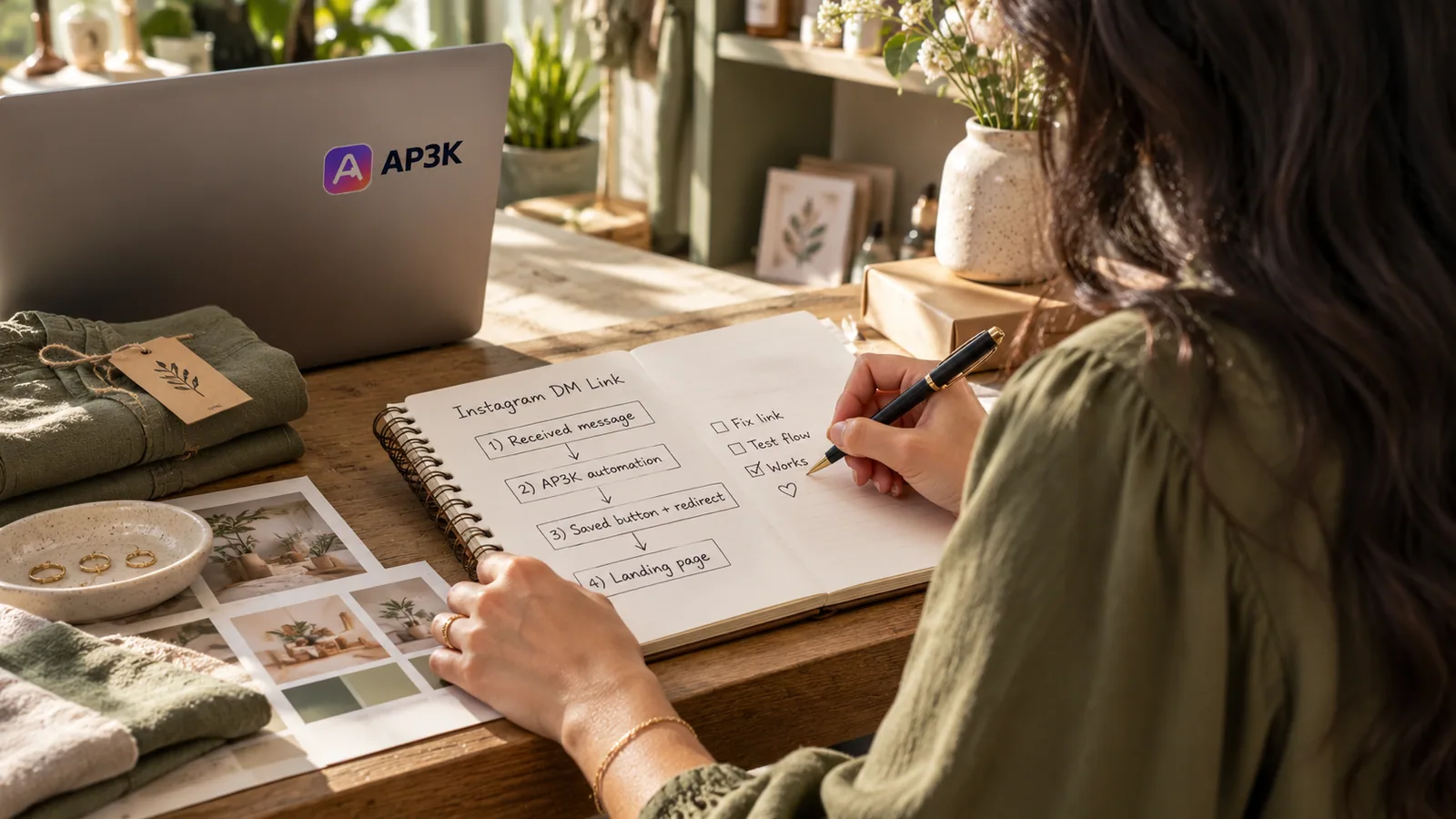
A successful automated send does not tell you whether the person could use your link. Instagram recipients may open it in the app’s browser, on a small screen, with enlarged text or a slow connection. Test the message and destination together. This checklist helps campaign owners find confusing wording and broken mobile steps before they promote a post; it is not a certification of accessibility.
Name the destination in the message
A recipient should understand why the message arrived without reopening your post. State the resource they requested and make the button describe the next action. For example: “Here is the workshop checklist you requested” followed by “Open the checklist.” This is an example, not a claim about a real campaign.
Avoid a chain of vague labels such as Continue, Next and Click here when the destination could be named. A clear label helps someone scanning quickly or navigating with assistive technology. Keep the important meaning in words rather than relying on an emoji or the button’s colour.
| Unclear label | More specific label | Use only when |
|---|---|---|
| Click here | View the size guide | The link opens that size guide. |
| Get it | Download the checklist | A download is available at the destination. |
| Continue | Choose a booking time | The next page shows booking availability. |
| Buy now | View product details | The link opens details rather than completing a purchase. |
Keep the promise consistent after the tap
The post, DM and landing page should describe the same resource. If your post promises a free checklist but the link opens a pricing page without explanation, the automation delivered a message while failing the visitor’s expectation. State any required sign-in or form before the visitor reaches it.
Check the exact final URL, including redirects. Open it while signed out of your own website: your existing session can hide a login requirement that a new visitor encounters. Never use a private preview link as the campaign destination.
Test inside Instagram, then in the device browser
Send a real test DM to an account you control and open the link inside Instagram. Check text, buttons, cookie controls and the primary next step. Repeat in the device’s usual browser. A successful desktop test does not cover every mobile environment.
For a form, confirm that labels stay visible while typing, errors explain what needs fixing, and the keyboard does not hide the submit button. If your destination offers Google sign-in or another external login, test the complete return path. Record the device and browser when a problem occurs instead of assuming it affects everyone.
Check readability and ways to recover
Increase text size and check that important content remains readable without overlapping controls. Try the destination with the phone’s screen reader and check whether links describe their purpose. Give meaningful images an appropriate text alternative and keep essential instructions in readable page text.
If a resource cannot open, offer a visible support or retry route on the destination. Do not force a visitor to send the same trigger comment repeatedly. Repeated sends can be skipped by duplicate protection and will not repair a broken webpage.
Record what actually passed
Keep a short record for each destination: account used, device, date, final URL, expected action, actual result and any unresolved issue. If you stop a checkout before payment, record “checkout reached,” not “purchase completed.” A link click and a confirmed booking are separate outcomes.
Repeat the test when the message, link, form, authentication or consent interface changes. Start a promotion only after the intended visitor can complete the useful next step. AP3K activity can help check sends; your destination and business records establish what happened afterwards.
Turn the next comment into a conversation.
Choose a clear trigger, write a useful response and try your first AP3K campaign.
SHARE THIS ARTICLE