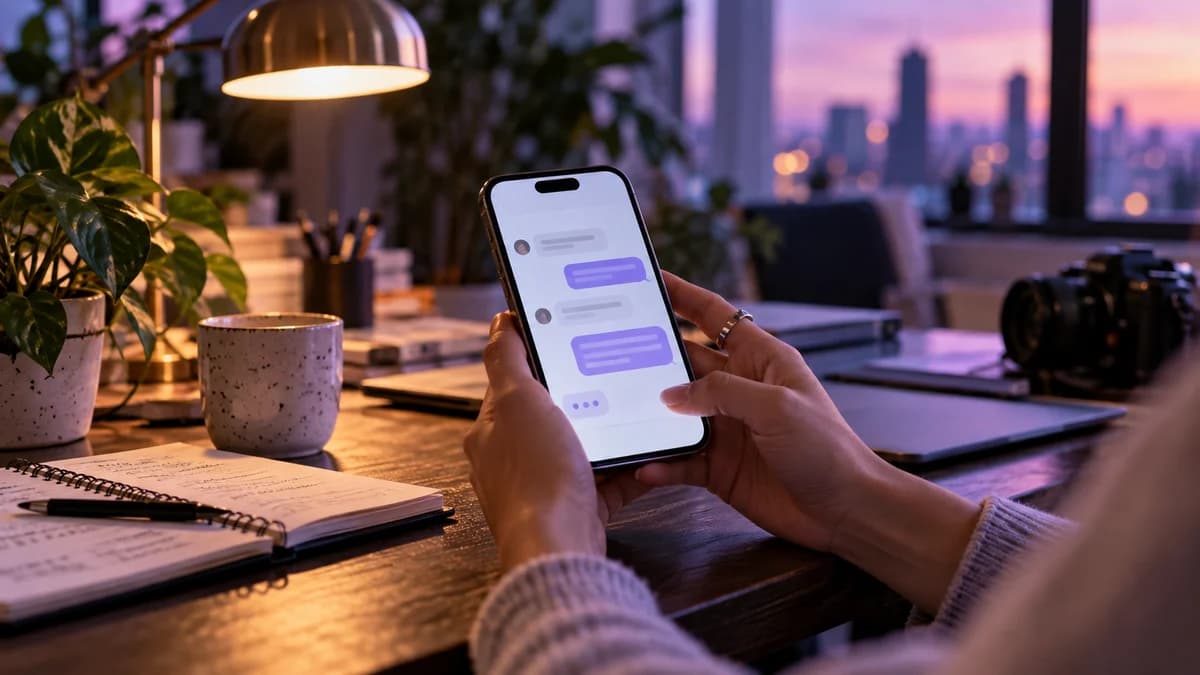
A photography inquiry often arrives while you are editing, traveling or working with a client. You do not need an automated sales pitch to respond usefully. You need a short path that helps the person find the right portfolio, understand your service and reach your real inquiry process.
Separate inspiration from booking interest
Not every comment on a beautiful image is a request for your rates. Keep appreciation comments separate from an explicit invitation such as 'Comment WEDDING for the collection guide.' This lets you respond to actual interest without sending a sales message to everyone who leaves a heart.
Choose a post that represents the service you are promoting. A portrait client should not land in a wedding inquiry flow simply because that was the last campaign you built.
Send a small guide with a clear job
Your guide should answer the questions a prospective client needs before an inquiry: what you photograph, where you work, what a session generally includes and where to ask about their date. Keep current pricing in a destination you maintain.
The DM can be simple: 'Here is the portrait session guide you asked for. It includes the session options and inquiry form.' The guide is the useful content; the message is the signpost. Do not paste your entire service brochure into the first chat bubble.
Keep the inquiry form focused
Ask for details that help you assess the request, such as service, approximate date and location. Explain where you will reply. Avoid making someone complete an exhaustive creative brief before they know whether you offer the service they need.
If a question needs a personal answer, keep it personal. An automated introduction can save time while a photographer still reviews fit, travel requirements and creative expectations. Speed should not come at the expense of an accurate quote.
Do not promise a date before checking it
Sending a booking link is different from confirming a booking. Your actual calendar and contract process determine availability. Make the message clear: 'Submit your preferred date and I will confirm availability' is appropriate when a person reviews requests.
If you use a live scheduling service for consultations, link to it and test it on mobile. Do not imply that AP3K synchronizes your photography calendar or reserves a session merely because it delivered a DM.
Build and test the conversation in AP3K
Choose the post or incoming-message trigger that matches your invitation. Write one short response and link to the correct guide. Add contact collection only when it supports the follow-up you have explained to the client.
Use another Instagram account to test a fresh matching comment. Open the guide from the message, submit a test inquiry through your own process and verify where it arrives. Check that unrelated comments do not trigger the same offer.
Review the questions the guide did not answer
After a week of real use, review the questions you still answer repeatedly. If everyone asks whether travel is included, improve that part of the guide. If people submit the wrong type of inquiry, change the caption or destination.
Judge the workflow by useful inquiries and the time it saves your team. A larger contact list is not valuable if the people on it wanted a different service. The best automation quietly handles the repetitive introduction so you can spend more attention on the work and the client.
Build your next conversation
Start with the request your audience already makes, then choose a response that gives them a useful next step.
Turn the next comment into a conversation.
Choose a clear trigger, write a useful response and try your first AP3K campaign.