By AP3K · English guide
Create Consistent Campaign Names for Instagram DM Links
Campaign tracking becomes difficult when every teammate names links differently. A consistent naming convention makes destination traffic easier to group without stuffing customer information into URLs. The convention should identify the campaign, not the recipient.
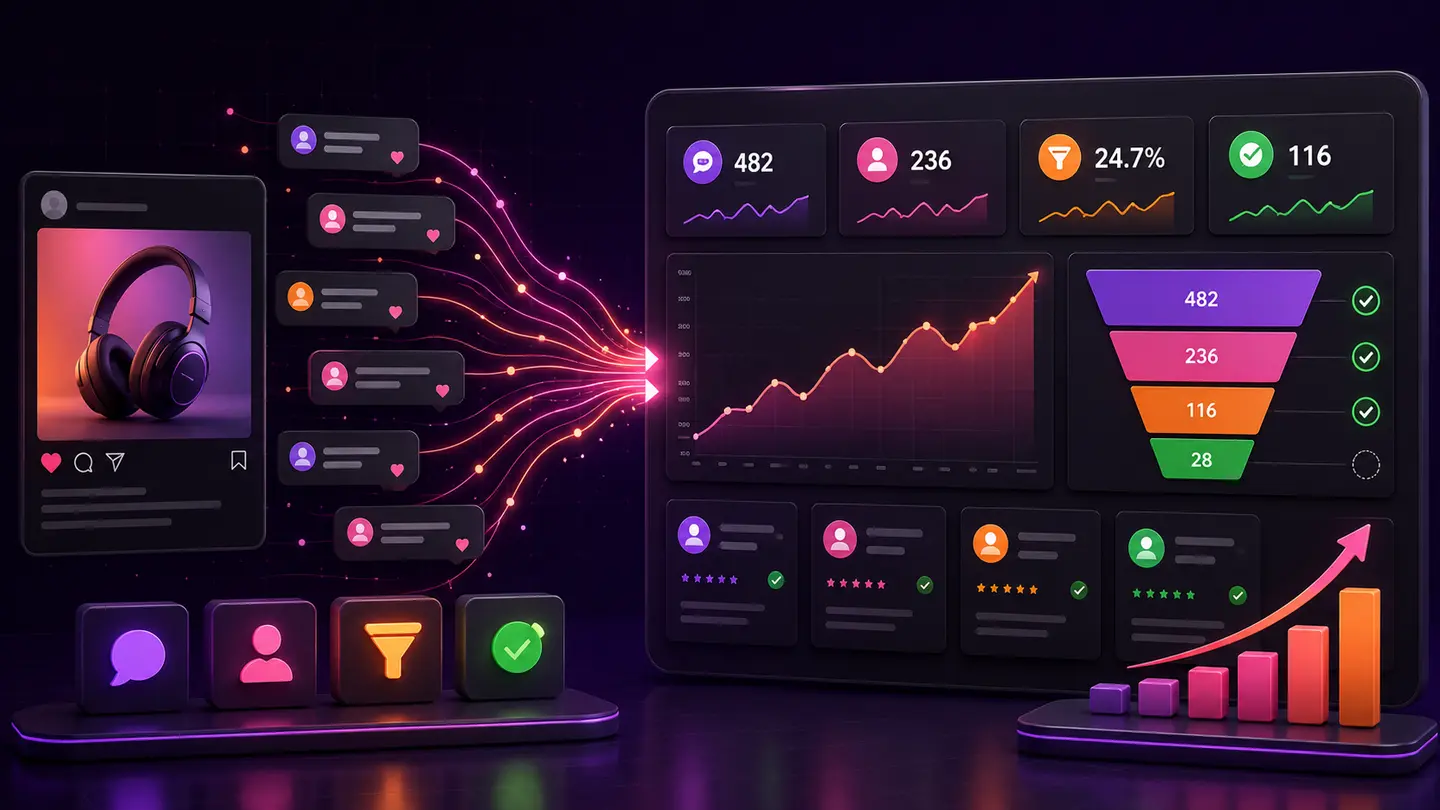
The decision to make
Choose stable labels for channel, campaign and content variation. Keep names readable and document them in the launch sheet. Confirm that the destination retains the parameters and that the analytics implementation records the fields you expect.
A practical workflow
- 1Step 1Define the naming pattern before generating links.
- 2Step 2Use the same pattern across posts and reply messages.
- 3Step 3Open the final link and inspect the destination's reporting after a test.
Worked example
A team might use a campaign label combining offer and launch month, with a separate content label for each post. Keep personally identifying information out of these parameters.
What to avoid
Do not assume a tagged URL guarantees attribution. Redirects, consent choices and browser behavior can affect what analytics records.
Where AP3K fits
Use AP3K activity to inspect the supported interaction and action stages, then use the appropriate destination or sales system for off-site outcomes. Successfully sent public replies and DMs are automated actions; they do not prove that someone read a message, booked an appointment or paid. Keep dates, units and source limitations visible. Examples in this guide illustrate reporting methods and are not AP3K customer results or forecasts.
How to judge the result
Review missing or inconsistent labels in destination reports. Fix naming and routing issues before comparing small performance differences.
- Every metric names its source, unit and reporting period.
- Tests, incomplete observations and unknown attribution are labeled.
- The next action addresses the stage supported by the evidence.
Continue with a related guide
Use the next guide for a related decision, or browse the topic library to choose a different workflow.
Topics