By AP3K · English guide
Keep Internal Tests Out of Campaign Performance Claims
Testing is necessary, but internal comments and visits can distort a small campaign's results. Label test activity so the team does not celebrate its own checks as customer demand. Preserve the operational evidence while separating it from marketing conclusions.
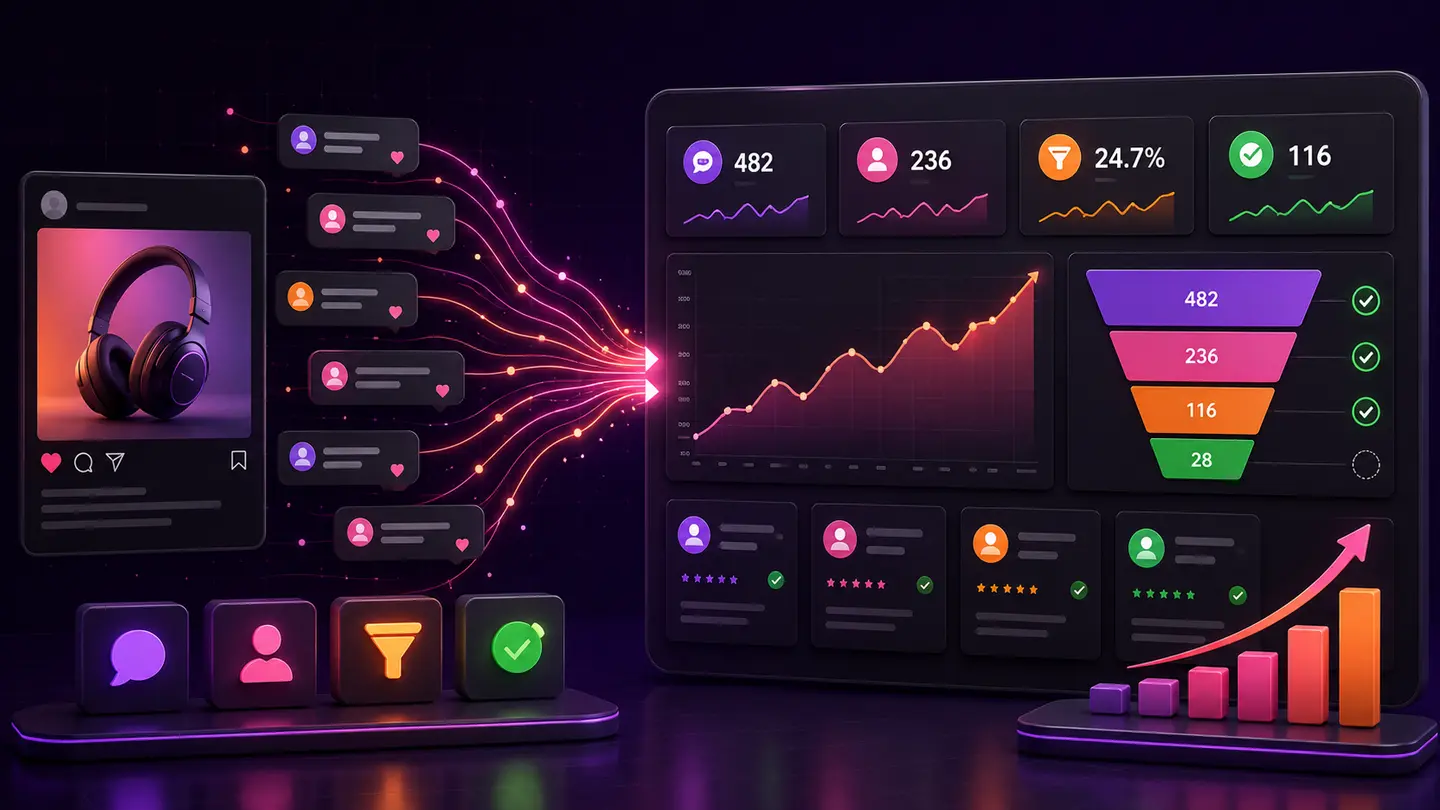
The decision to make
Use a recognizable test campaign or documented test period. Where a reporting system supports exclusions, apply them deliberately and record the rule. Do not delete audit evidence simply to improve a conversion chart.
A practical workflow
- 1Step 1Record test accounts and campaign identifiers appropriately.
- 2Step 2Mark test windows in the reporting sheet.
- 3Step 3Exclude known tests from business summaries where the data supports it.
Worked example
A launch with five team comments and one customer comment should not be described as six prospective customers. The tests still demonstrate whether the delivery path worked.
What to avoid
Do not assume every event from a familiar name is a test. Use documented identifiers and keep uncertain records visible rather than guessing.
Where AP3K fits
Use AP3K activity to inspect the supported interaction and action stages, then use the appropriate destination or sales system for off-site outcomes. Successfully sent public replies and DMs are automated actions; they do not prove that someone read a message, booked an appointment or paid. Keep dates, units and source limitations visible. Examples in this guide illustrate reporting methods and are not AP3K customer results or forecasts.
How to judge the result
Compare reports before and after known-test exclusions. Be especially careful when sample sizes are small enough for one test to change the apparent trend.
- Every metric names its source, unit and reporting period.
- Tests, incomplete observations and unknown attribution are labeled.
- The next action addresses the stage supported by the evidence.
Continue with a related guide
Use the next guide for a related decision, or browse the topic library to choose a different workflow.
Topics