By AP3K · English guide
Define Instagram Automation Metrics Before Reporting Them
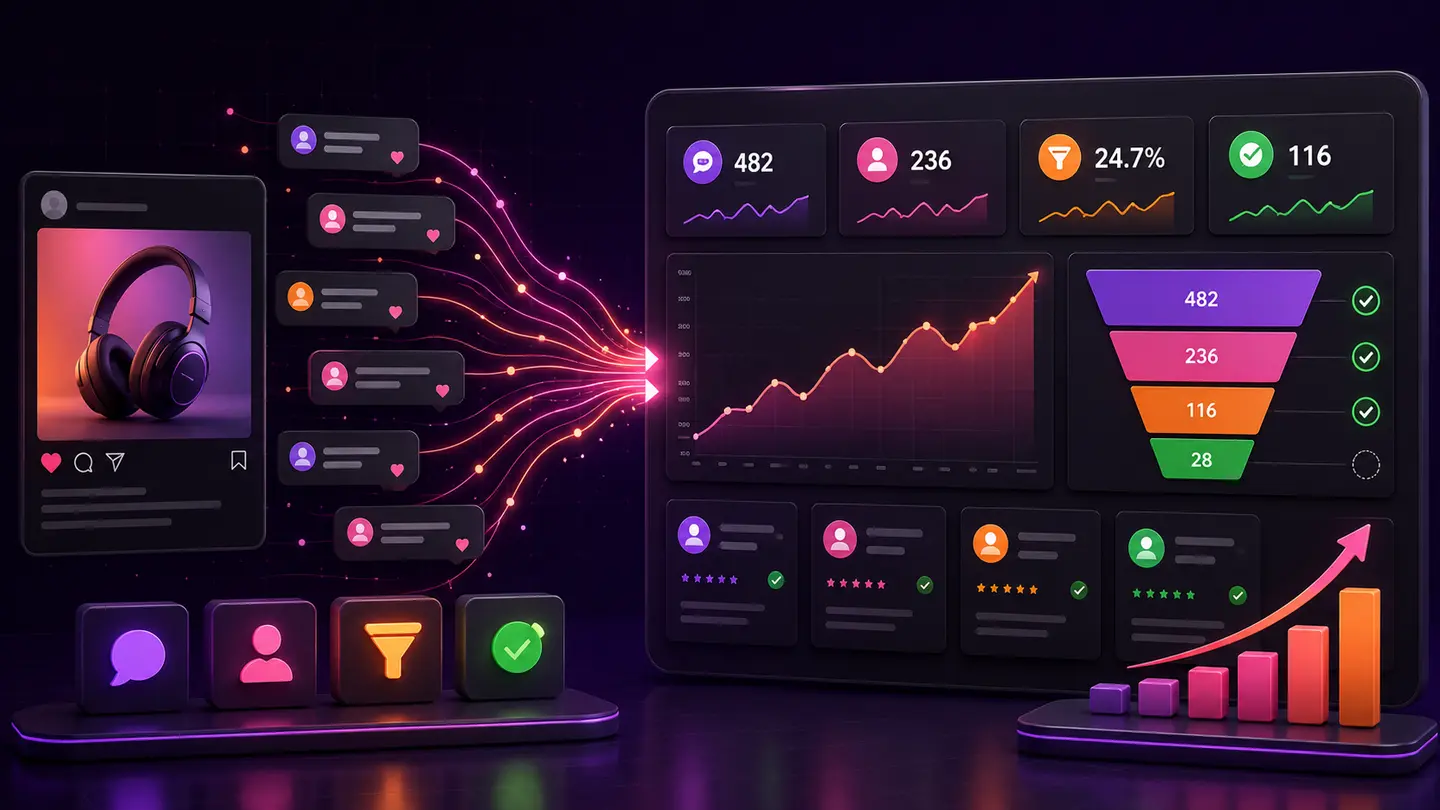
A dashboard becomes misleading when similar labels refer to different events. Comments, matched triggers, sent actions, contacts and purchases should not be treated as interchangeable. Write a small event dictionary so everyone understands what each number represents.
The decision to make
For each metric, record its source, unit and known limits. A successful send is evidence of delivery processing, not proof of reading or buying. A contact record may represent an interaction rather than a qualified sales opportunity.
A practical workflow
- 1Step 1List the metrics used in your weekly report.
- 2Step 2Define exactly what causes each count to increase.
- 3Step 3Document which outcomes require website or sales-system data.
Worked example
A campaign that sends a public reply and a DM can produce two successful actions for one comment. Reporting those actions as two leads would distort the funnel.
What to avoid
Do not add event counts from different stages and label the sum customers. Avoid implying that AP3K measures off-site purchases without a verified measurement path.
Where AP3K fits
Use AP3K activity to inspect the supported interaction and action stages, then use the appropriate destination or sales system for off-site outcomes. Successfully sent public replies and DMs are automated actions; they do not prove that someone read a message, booked an appointment or paid. Keep dates, units and source limitations visible. Examples in this guide illustrate reporting methods and are not AP3K customer results or forecasts.
How to judge the result
Review reports for ambiguous labels. A useful dictionary allows another teammate to reproduce the result from the stated source.
- Every metric names its source, unit and reporting period.
- Tests, incomplete observations and unknown attribution are labeled.
- The next action addresses the stage supported by the evidence.
Continue with a related guide
Use the next guide for a related decision, or browse the topic library to choose a different workflow.
Topics