
Reliable daily operations 2 min read
Assign an Owner to Every Instagram DM Destination
The person who builds an automation may not own the page it links to. Follow a practical workflow with an example and review checklist.
Read guideRecursos do AP3K
Guias práticos para respostas de comentários, mensagens diretas, gatilhos, campanhas e transformando o engajamento do Instagram em acompanhamento mensurável.
The person who builds an automation may not own the page it links to. Follow a practical workflow with an example and review checklist.
Read guideWhen someone reports that automation is not working, changing several settings at once destroys useful evidence.
Read guidePausing a campaign can prevent further incorrect replies while an issue is investigated.
Read guideIn a multi-account workspace, the most damaging setup mistake may be choosing the wrong account rather than writing the wrong message.
Read guideA campaign handoff should enable another person to operate the workflow without reconstructing its purpose.
Read guideA resource can improve over time while old posts continue promising it. Follow a practical workflow with an example and review checklist.
Read guideA retrospective should explain what the team learned and what to change next. Follow a practical workflow with an example and review checklist.
Read guideAn unused campaign can clutter the workspace or accidentally remain active after its offer ends.
Read guideCompare Instagram post scheduling with comment, DM and lead automation so you can choose the right tool without expecting one product to do both jobs.
Read guide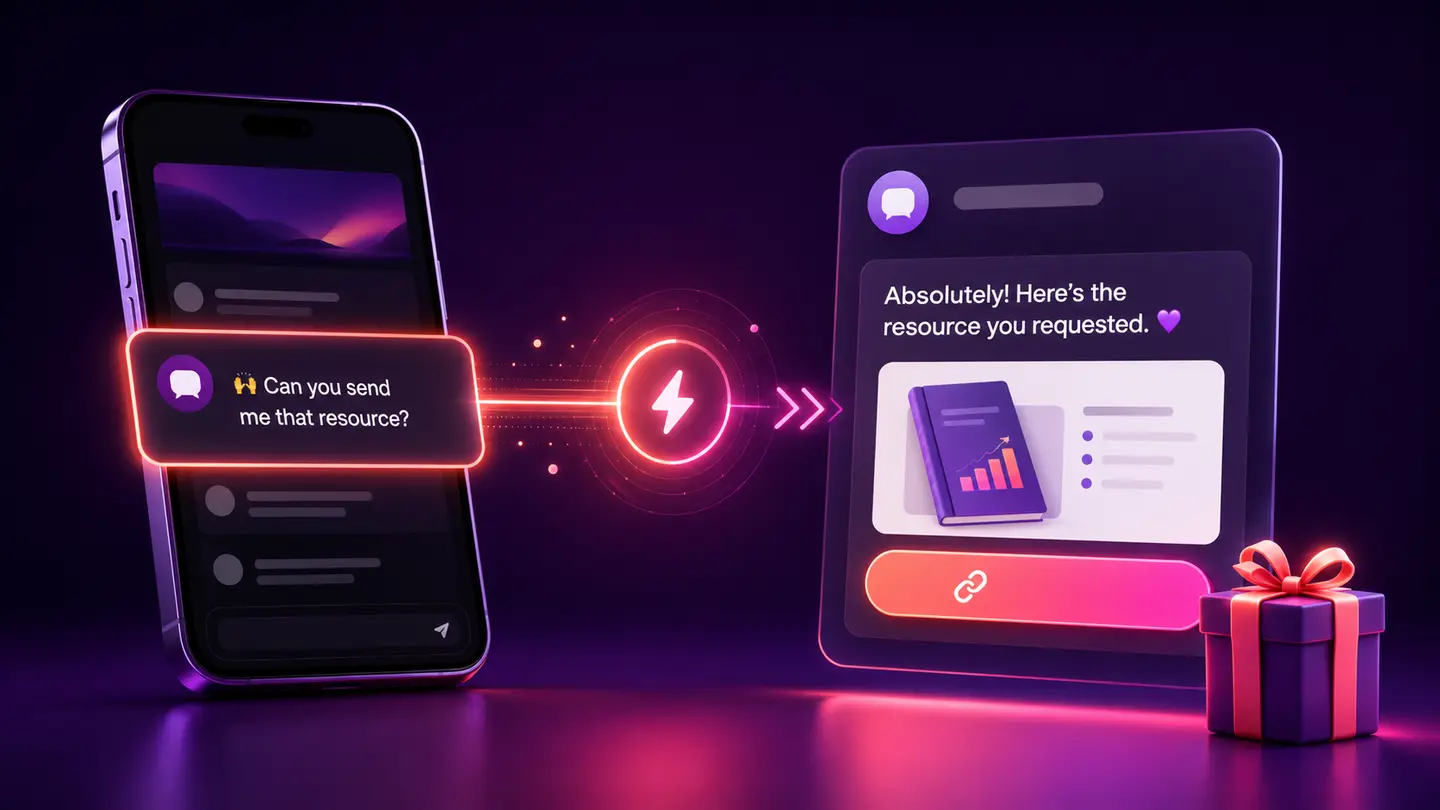
Learn when to use Instagram quick replies, saved responses and automated messages, with examples for comments, DMs, links and human handoff.
Read guide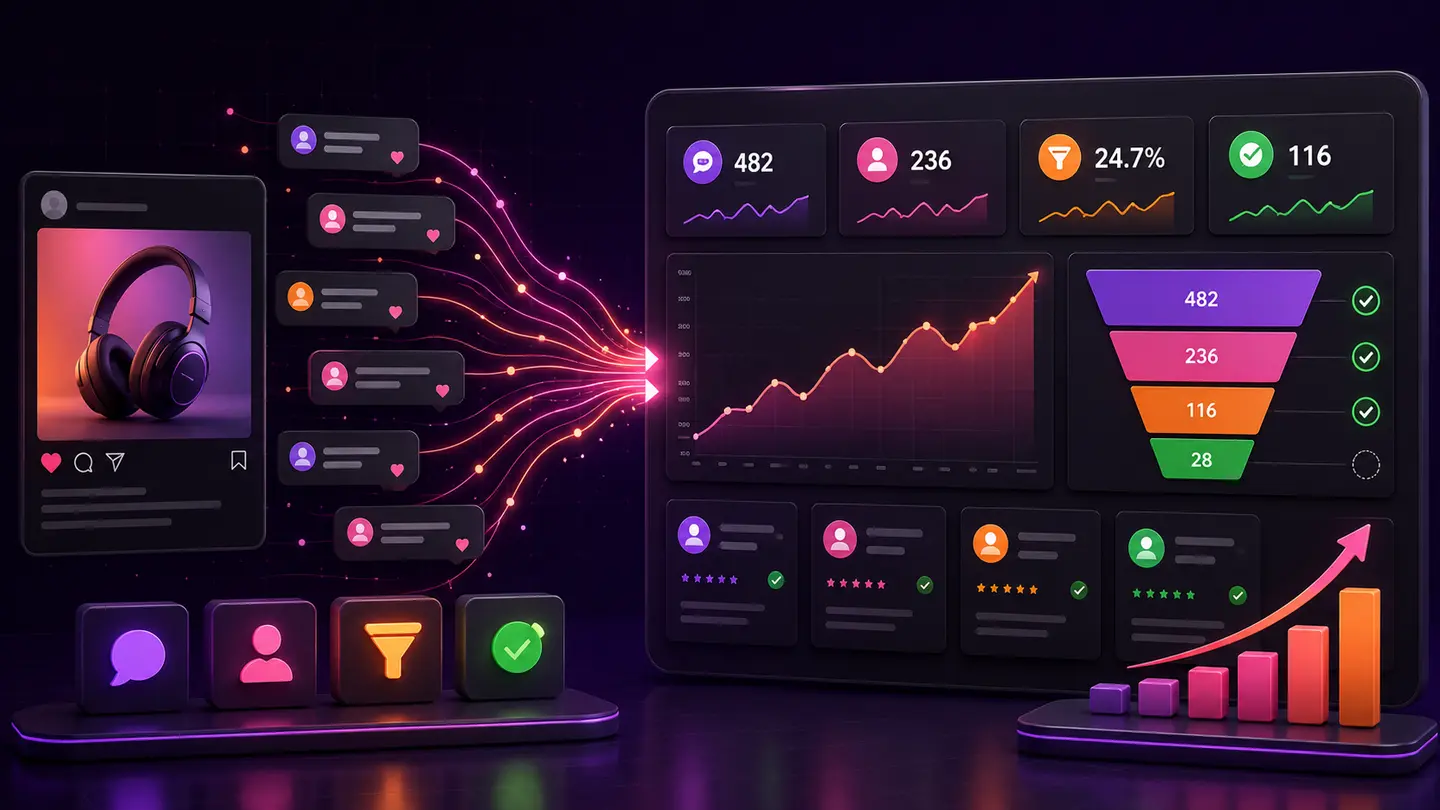
Compare organic Instagram comment-to-DM lead generation with Instagram lead ads, including intent, setup, tracking and follow-up differences.
Read guidePlan an Instagram comment to DM automation, choose the right trigger and message, test delivery, and measure the next step with AP3K.
Read guidePõe em prática.
Conecte uma conta Instagram Business ou Creator, escolha um gatilho, em seguida, decida se o AP3K deve responder ao comentário, enviar uma mensagem direta ou ambos.