A story automation replies to the people who react to your story, answer it with a message, or tag you in a story of their own. These interactions arrive through Instagram messaging, so the automation answers the person in a DM.
Start a story automation
Choose New automation → Story automation. The editor opens with إعداد المحفزات and إعداد الرسالة الخاصة. There is no public comment reply because the event is a story interaction.
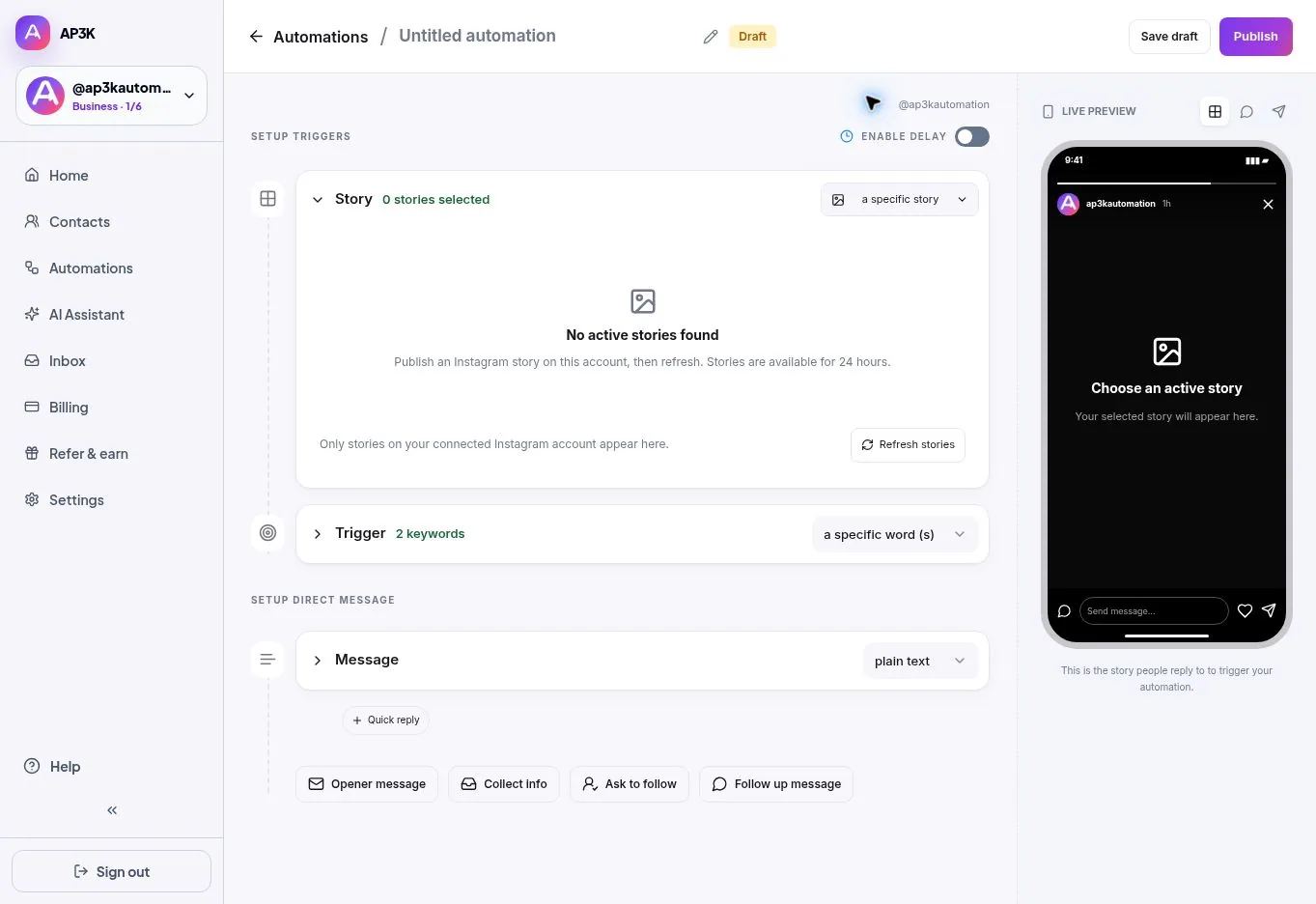
1. Choose the story interaction
Open تفاعل مع القصة and select the event that should start the automation:
| Option | When it fires |
|---|---|
| يشير إليّ | Someone tags the connected account in their story. |
| يتفاعل | Someone sends an emoji reaction to your story. |
| الردود | Someone sends a text reply to your story. |
The quick Story editor selects an interaction type. It does not have a specific-story grid, a next-story selector, keyword filtering or Intent Match. Review the rule summary below the control before publishing.
2. Write the DM
In الرسالة, choose نص فقط, نص مع زر, or مرفق. Text supports up to 1,000 characters; link messages can have up to three buttons. Use {{username}} to personalize the message and review the phone preview.
إضافة صيغ helps create alternate wordings for text messages. Review every variation and keep the link and offer consistent.
3. Add optional steps
Paid plans can add جمع المعلومات, طلب المتابعة and رسالة متابعة. These can capture an email or phone number, check follow status, or send a conditional reminder. Story interactions already start in DMs, so the quick Story editor has no separate Opener message step.
The رد ذكاء AP3K الاصطناعي message option uses your AI knowledge, behavior and guardrails on a paid plan. Choose a saved message instead if you need collection or follow-up steps in the same quick automation.
4. Publish and test
Name the automation and click Publish. From another account, perform the exact interaction you selected: mention, reaction or text reply. Check the DM, every button and any capture step.
You should now have a tested Story automation for the interaction you chose. Next: Story automation templates.