Backtrack comments is a separate, deliberate action that processes eligible comments from the previous seven days using the saved automation rule. Publishing alone does not replay the entire comment history.
Before you start
Use a supported automation with selected media. Confirm the Instagram account, post, trigger, messages and destination. Each successful public reply or DM still uses the normal action allowance. Duplicate and Meta delivery protections remain in force.
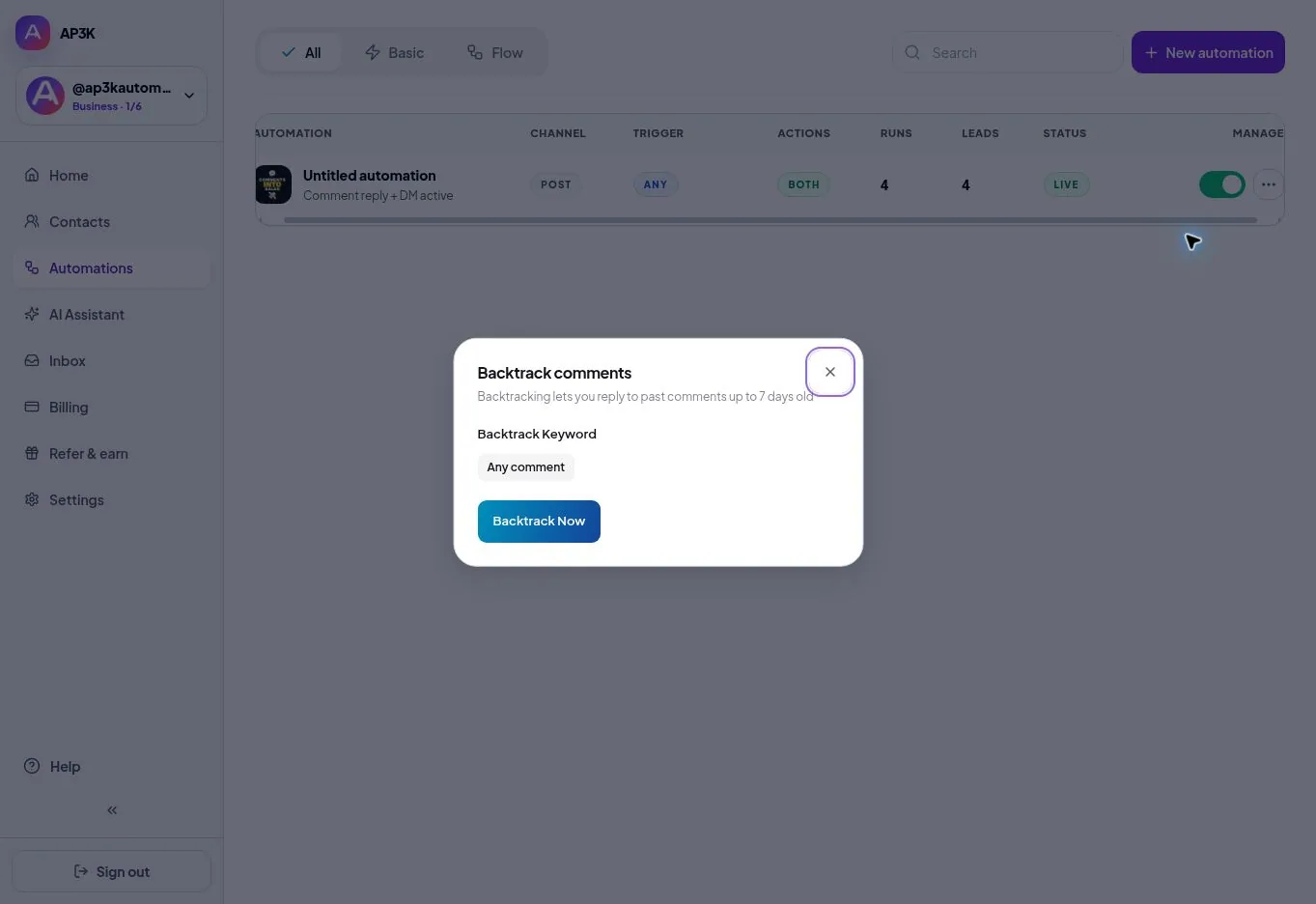
Start backtracking
- Open Automations and find the intended automation.
- Open its actions menu and use View media to confirm the post.
- Choose Backtrack comments and review the dialog and saved rule.
- Start only when you intend to send real replies to eligible past commenters.
- Review progress and sent, skipped or failed results. Not every older comment is eligible.
Allowances and limits
Free includes three backtracking attempts. Pro and Business remove this attempt limit. This does not remove monthly action allowances, Instagram rules or technical rate limits. Comments older than seven days are outside the backtracking window.
If a comment is skipped
Check timestamp, selected media, trigger match, previous delivery and messaging eligibility. Repeatedly starting the same job does not bypass duplicate protections. Read the delivery troubleshooting guide.